> ## Documentation Index
> Fetch the complete documentation index at: https://docs.gateway.connexease.com/llms.txt
> Use this file to discover all available pages before exploring further.
# Login
> Sign in to your Connexease Gateway account.
## Overview
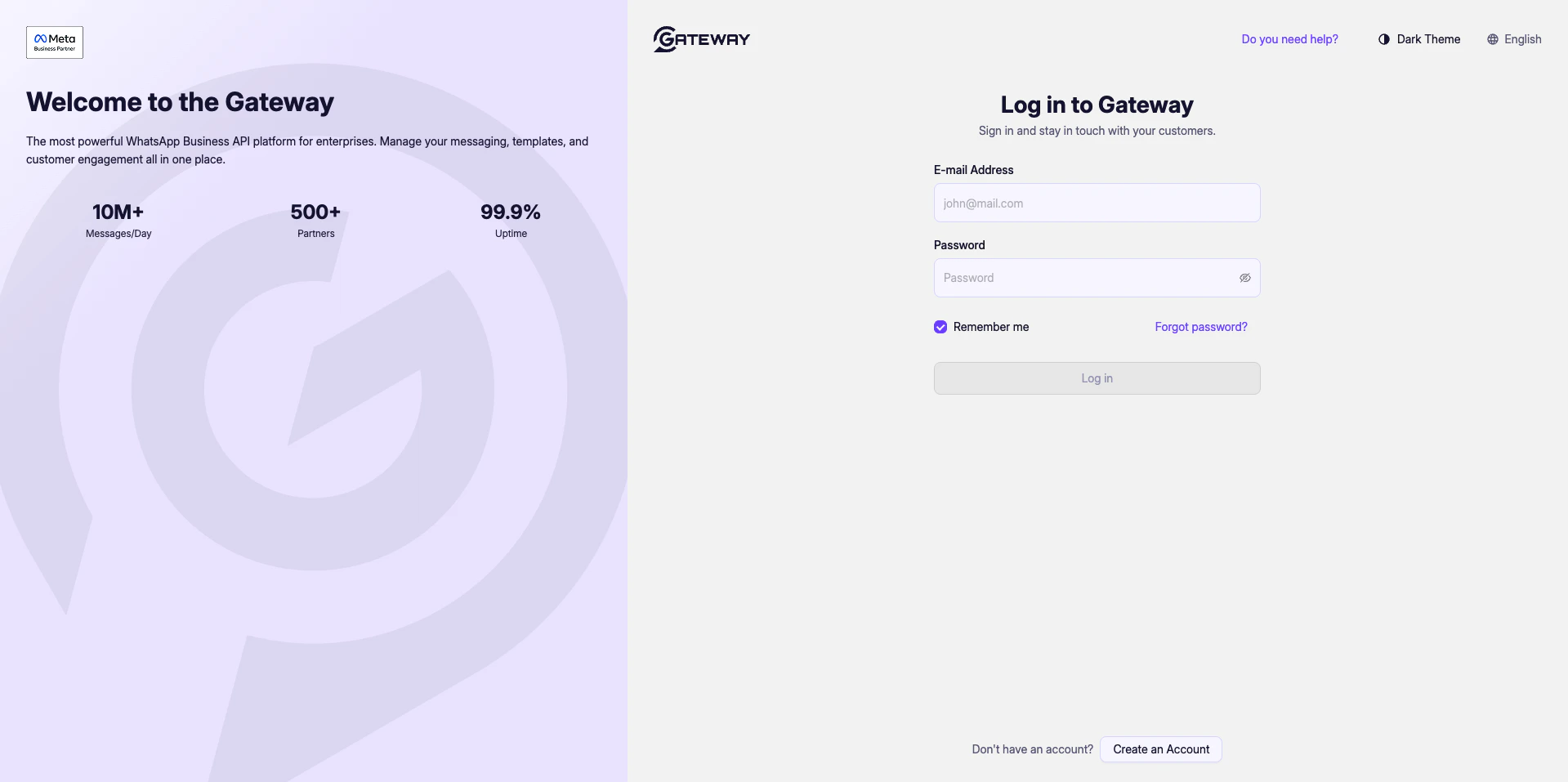
The Gateway login page is the entry point to your dashboard. You can access it at [gateway.connexease.com](https://gateway.connexease.com).
 ## Fields
| Field | Description |
| ------------------ | ------------------------------------------------------- |
| **E-mail Address** | The email address you registered with. |
| **Password** | Your account password. |
| **Remember me** | Keeps you signed in on this device. Enabled by default. |
## Actions
* **Log in** — Submits your credentials and redirects you to the Dashboard.
* **Forgot password?** — Sends a password reset link to your email.
* **Create an Account** — Redirects to the registration flow if you don't have an account yet.
## Interface Options
From the top-right corner you can:
* Toggle **Dark Theme** for a dark-mode interface.
* Switch the interface language (currently **English**).
* Click **Do you need help?** to access support.
If your credentials are incorrect, the Log in button will remain inactive or display an error. Double-check your email and password before retrying.
## Fields
| Field | Description |
| ------------------ | ------------------------------------------------------- |
| **E-mail Address** | The email address you registered with. |
| **Password** | Your account password. |
| **Remember me** | Keeps you signed in on this device. Enabled by default. |
## Actions
* **Log in** — Submits your credentials and redirects you to the Dashboard.
* **Forgot password?** — Sends a password reset link to your email.
* **Create an Account** — Redirects to the registration flow if you don't have an account yet.
## Interface Options
From the top-right corner you can:
* Toggle **Dark Theme** for a dark-mode interface.
* Switch the interface language (currently **English**).
* Click **Do you need help?** to access support.
If your credentials are incorrect, the Log in button will remain inactive or display an error. Double-check your email and password before retrying.