
Visual Customisation Theme
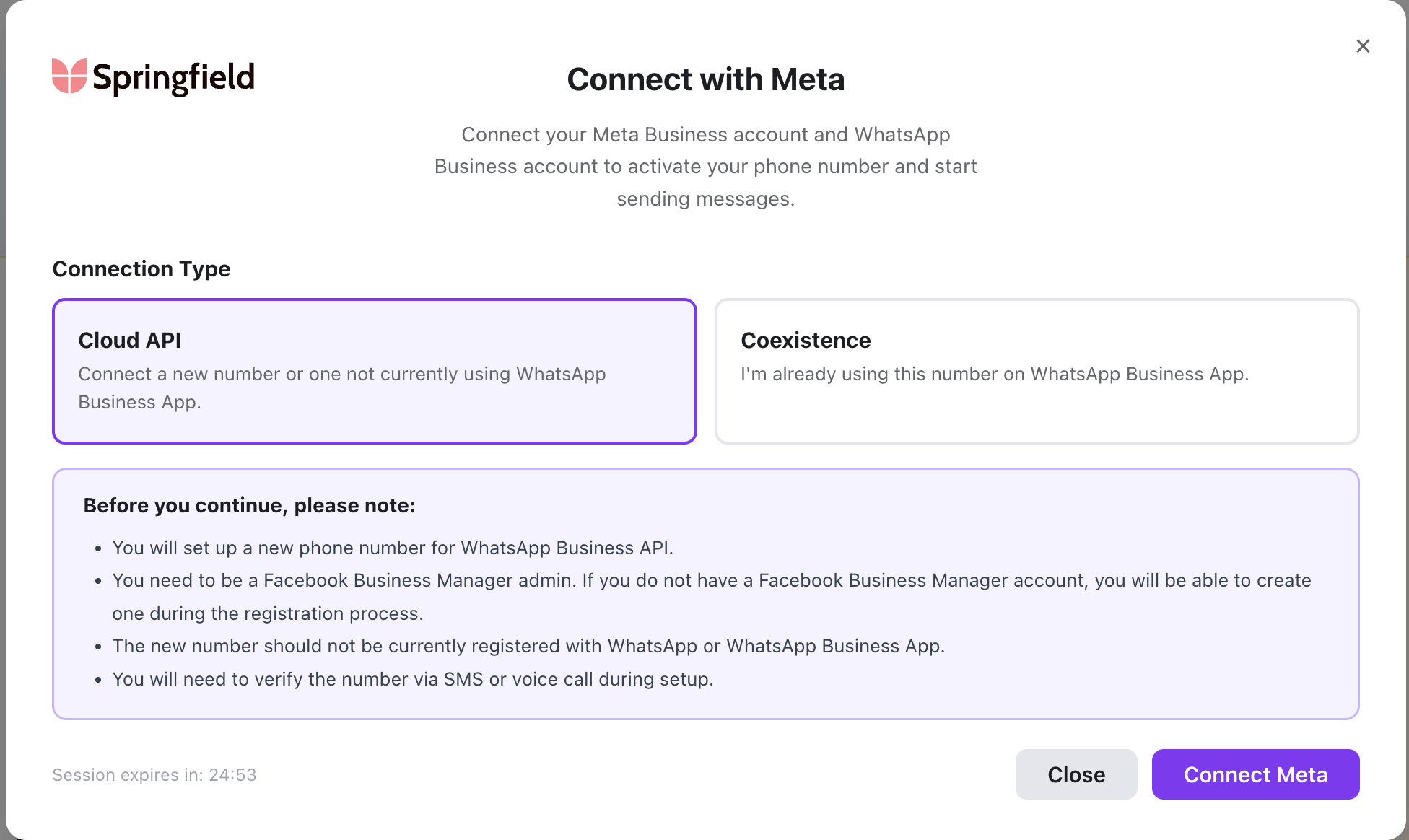
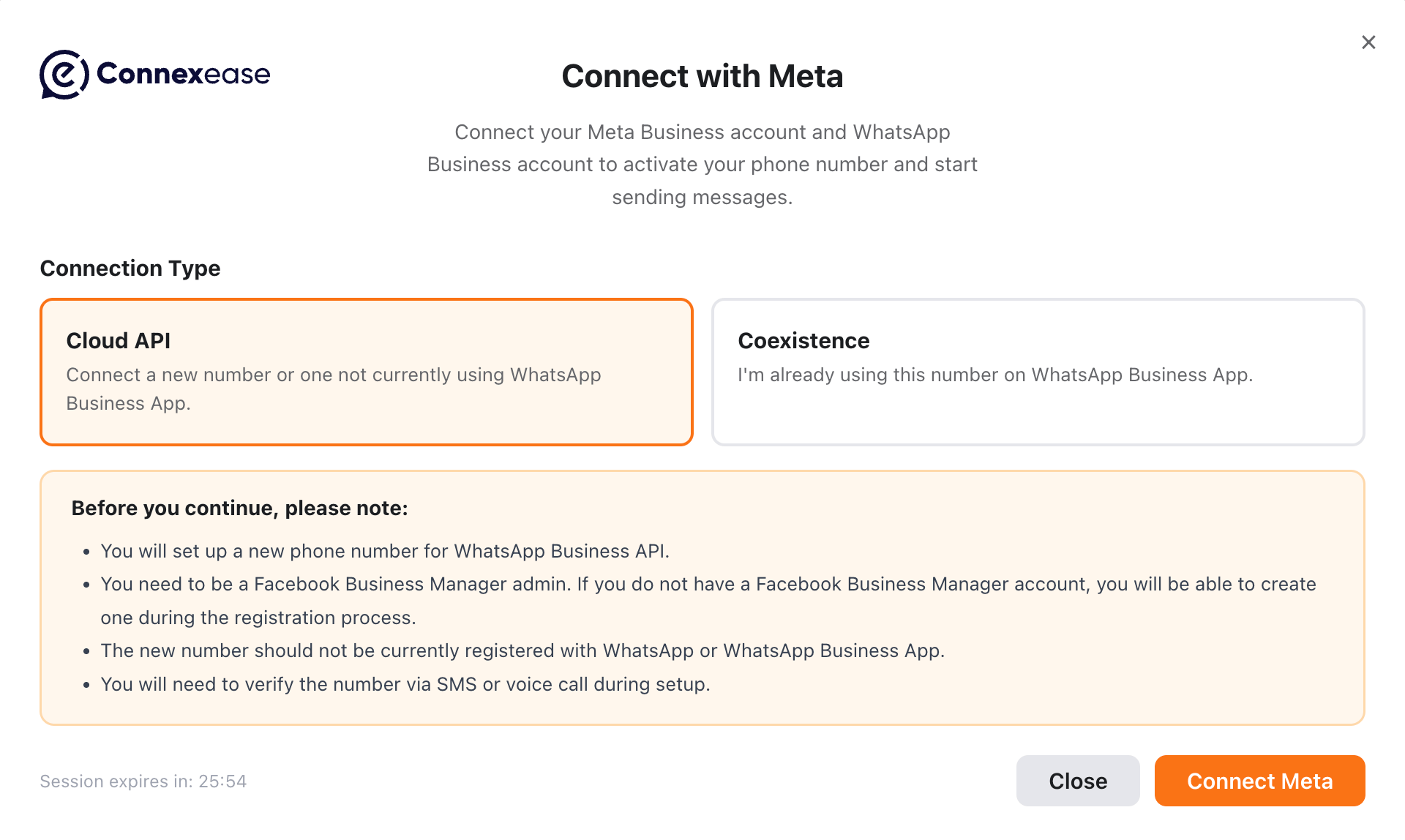
Logo
Custom
logoUrlvs. a Default Connexease logo:
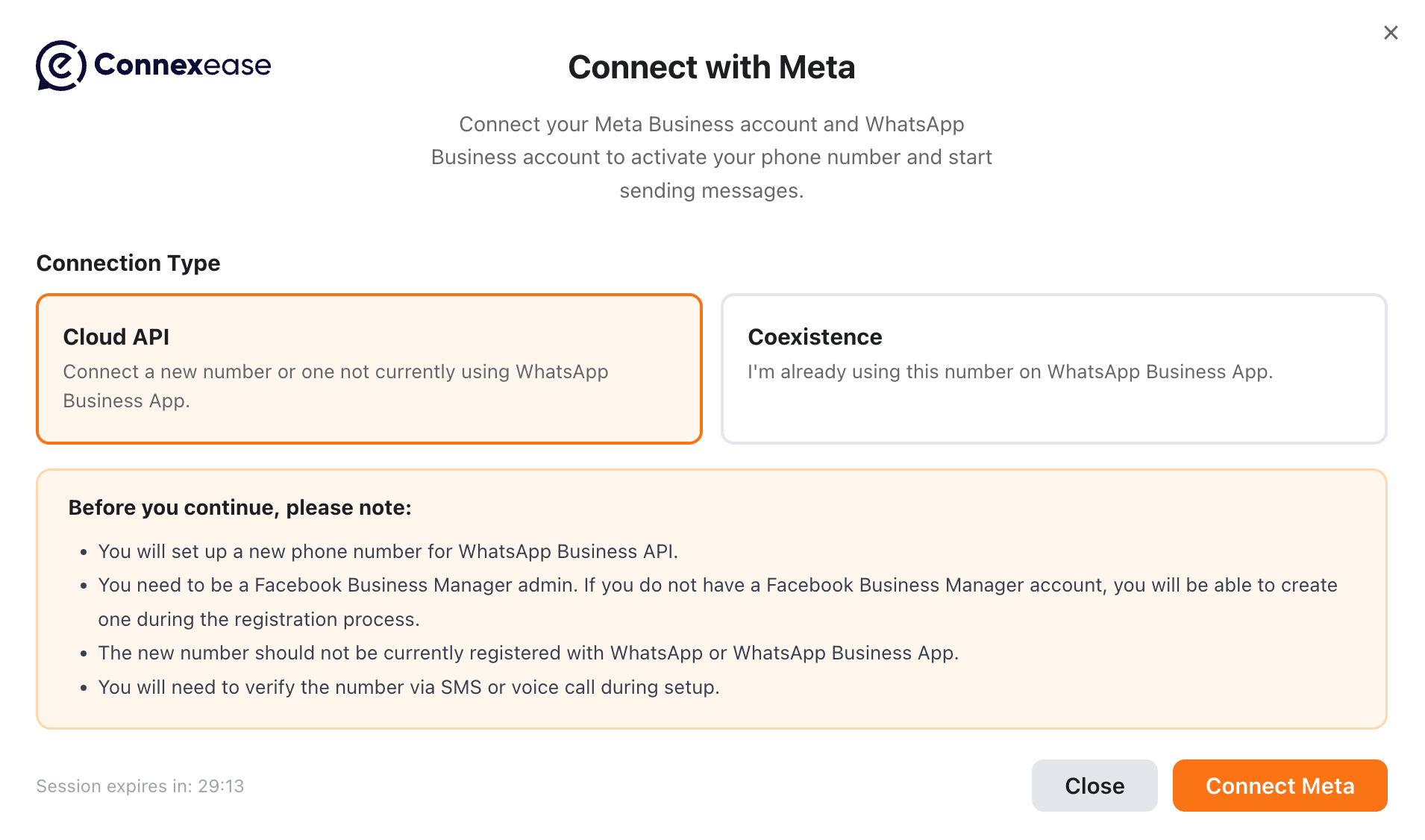
Custom CSS URL
Connexease Embedded Signup SDK ships with its own default modal styles. The modal works without any additional setup. If a customer wants to fully restyle the SDK-owned modal from their own application, pass a customer-owned stylesheet withcustomCssUrl.
Usage
Host a CSS file from the customer application or CDN:init():
https://customer.example/settings, then /your-modal-theme.css resolves to:
How It Works
The SDK first injects its bundled modal CSS into the modal Shadow DOM. Then it loads the customer CSS file fromcustomCssUrl in the same Shadow DOM as a link rel="stylesheet".
The order matters: because the customer stylesheet is loaded after the SDK stylesheet, it can override the same selectors.
customCssUrl is provided. The modal stays hidden until the custom CSS file finishes loading, so the default SDK modal design does not flash briefly before the customer design appears. If the CSS file fails to load or takes too long, the SDK removes the gate and continues with the default/token design so onboarding is not blocked.
Example CSS
Supported Styling Selectors
The customer stylesheet runs inside the SDK modal Shadow DOM, so it can target the modal selectors listed below.Connection Type Modal Selectors
Meta Login Wait and Processing Selectors
CSS Changes Appearance, Not HTML Structure
customCssUrl can change the modal appearance:
- colours
- fonts
- spacing
- borders and radius
- shadows
- modal width and height
- button and card styling
- success/error/warning icon presentation
- responsive behaviour
Using Custom CSS with Theme Tokens
customCssUrl can be used together with the existing theme token system:
- The SDK loads its default CSS.
- The customer CSS file is loaded after the default CSS.
- Theme token values are applied as inline custom properties on the Shadow DOM host.
--gw-* variable is provided both in theme and in the CSS file, the theme value wins.
Priority Rules
The final styling depends on what the customer CSS overrides.Same CSS Variable: Theme Token Wins
--gw-primary is #0B7A4E.
Reason: theme token values are written as inline custom properties on the Shadow DOM host, so they override :host { --gw-primary: red; } from the stylesheet.
Direct Selector Property: Customer CSS Wins
The SDK default CSS uses the token like this:.btn--primary background is purple.
Reason: the customer stylesheet directly overrides the SDK default background: var(--gw-primary) declaration.
Short rule:
themetoken vs.--gw-*variable in the CSS file: thethemetoken wins.themetoken vs. direct selector property in the CSS file: the customer CSS file wins.
Partial CSS Is Supported
Customers do not need to rewrite the whole modal stylesheet. They can provide only the selectors and properties they want to change.Security and URL Rules
AcceptedcustomCssUrl values:
- Same-origin relative URL:
/your-modal-theme.css - HTTPS absolute URL:
https://cdn.customer.example/your-modal-theme.css - Loopback HTTP for local development:
http://localhost:3000/your-modal-theme.css
config_warning event through onEvent.
Custom CSS CSP Note
If the customer application uses Content Security Policy, allow inline SDK styles and the custom stylesheet origin:'self' is enough. If the CSS file is hosted on another CDN origin, add that origin to style-src:
<style>, so 'unsafe-inline' is required when a CSP is present.
This section only covers CSP requirements for modal styling. For the complete Meta popup, relay iframe, script, and API policy, see Browser Security Headers.