Step 1 — App Name (Let’s Start)
Clicking + Connect opens a setup modal. A 5-step progress bar appears at the top of the modal:Let’s Start → Embedded Signup → WABA Phone → Contact Details → Complete
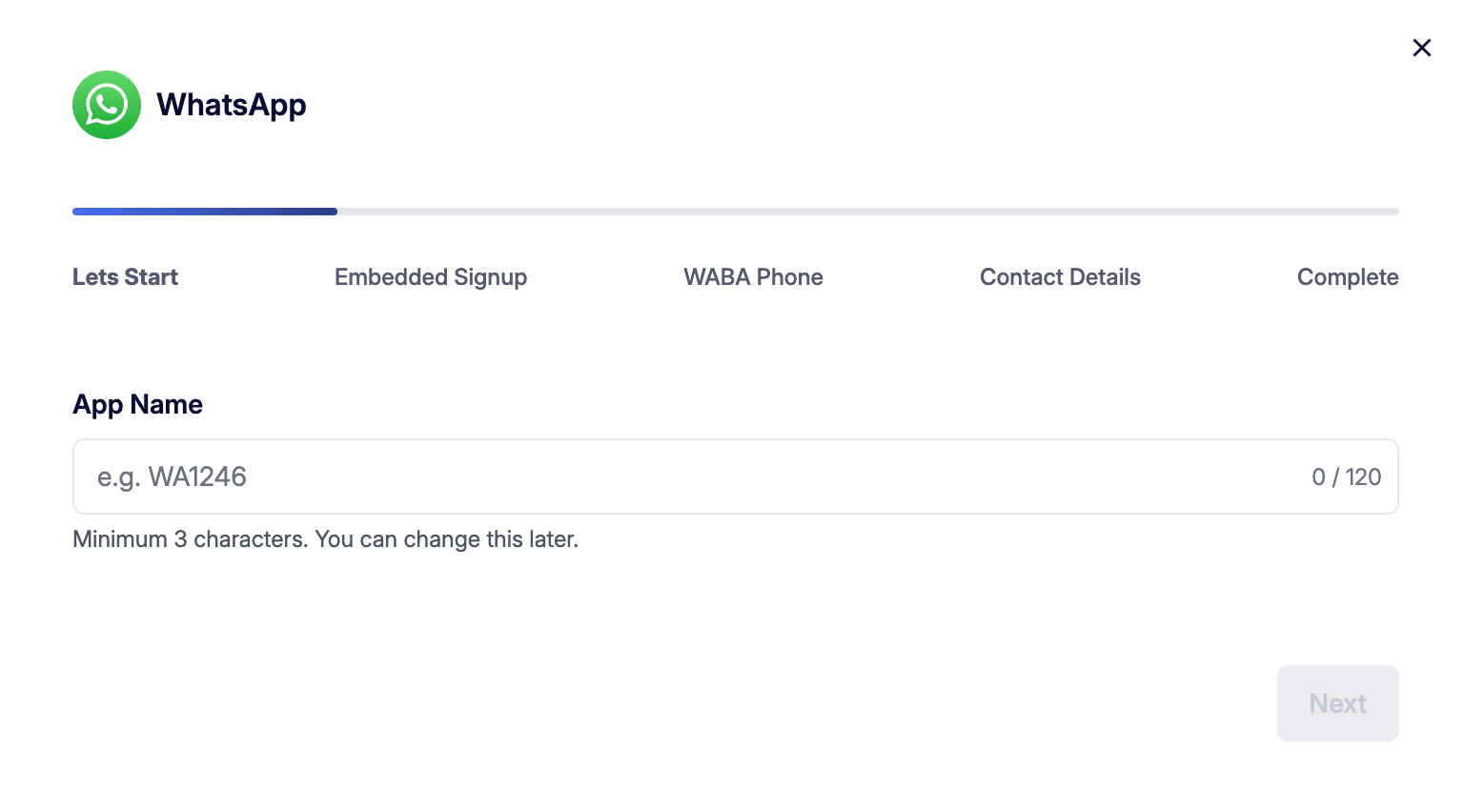
After entering the name, click Next to continue.
Step 2 — Connection Type (Embedded Signup)
In this step, you choose how you want to connect to the WhatsApp Business API.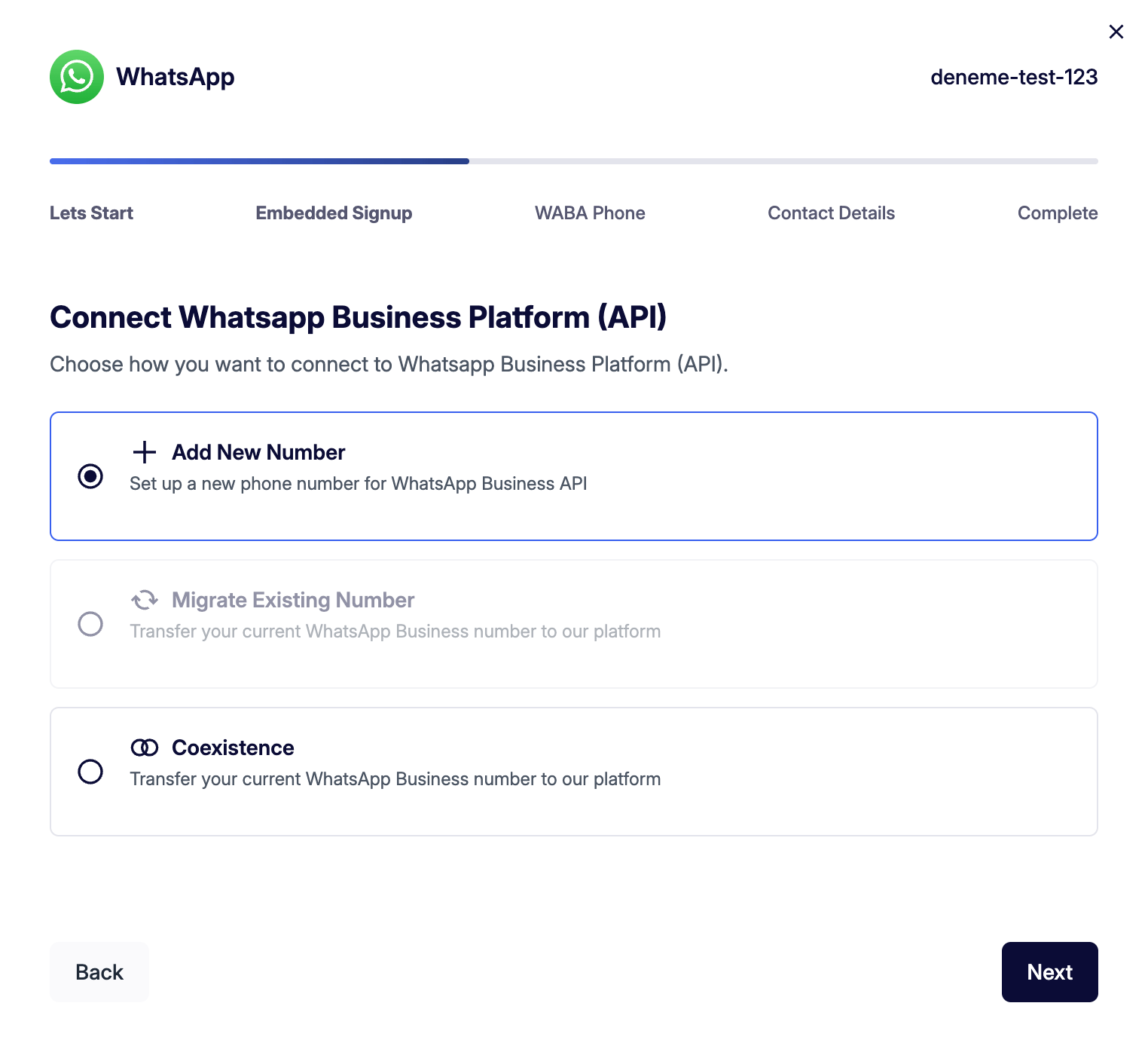
Select the option that suits your needs and click Next.
Step 3 — Facebook / Meta Account Connection (Embedded Signup)
In this step, you need to complete Meta’s verification process to create or connect your WhatsApp Business account.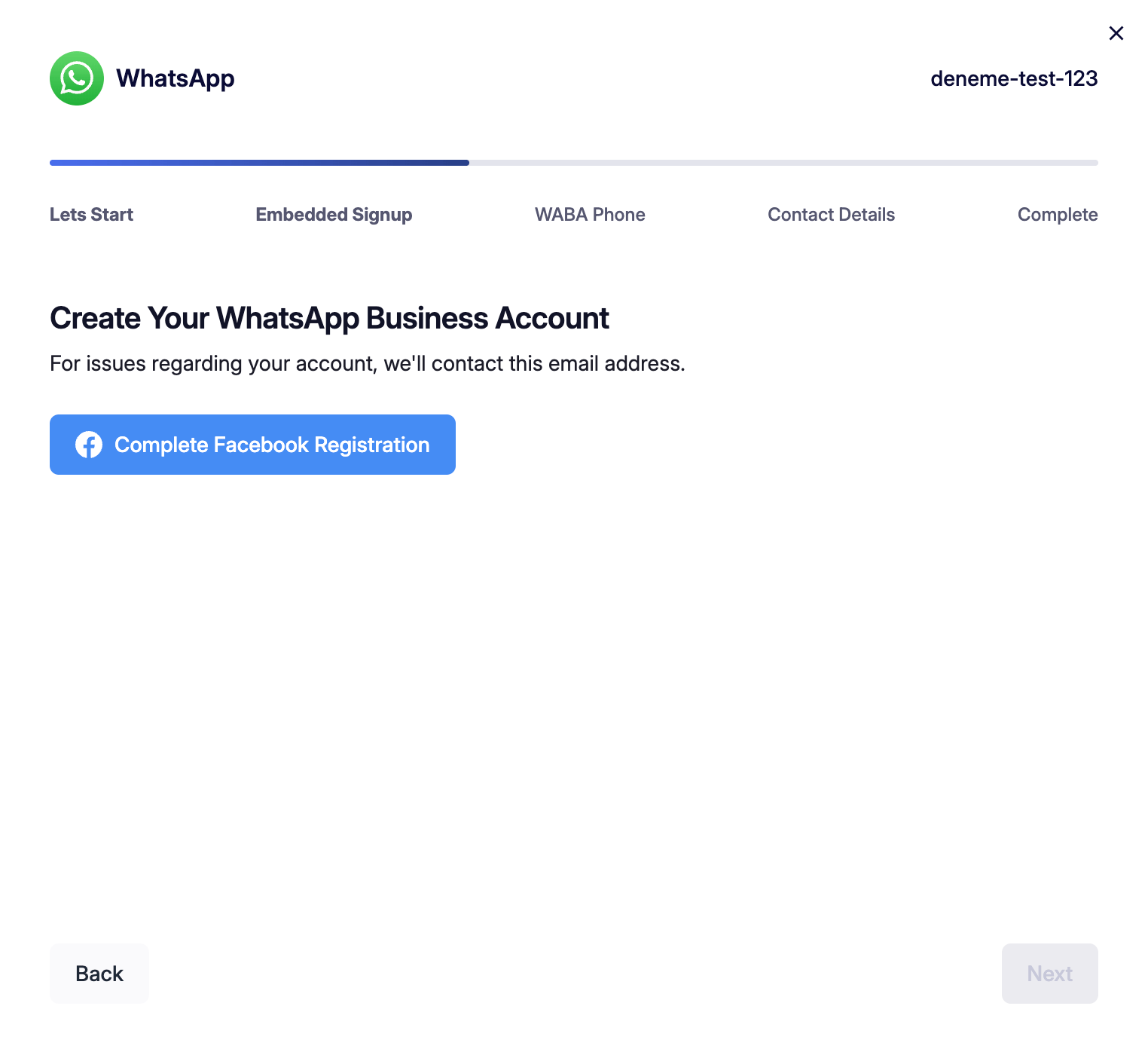
Important: When you click Complete Facebook Registration, an iframe opens on screen and you are redirected to Meta’s official page. On this page, you need to log in with your Facebook/Meta account and confirm your WhatsApp Business account. After the process is complete, you will be automatically returned to this panel; no extra steps are required.
Meta Iframe Page
After clicking the button, the iframe screen that opens looks like this: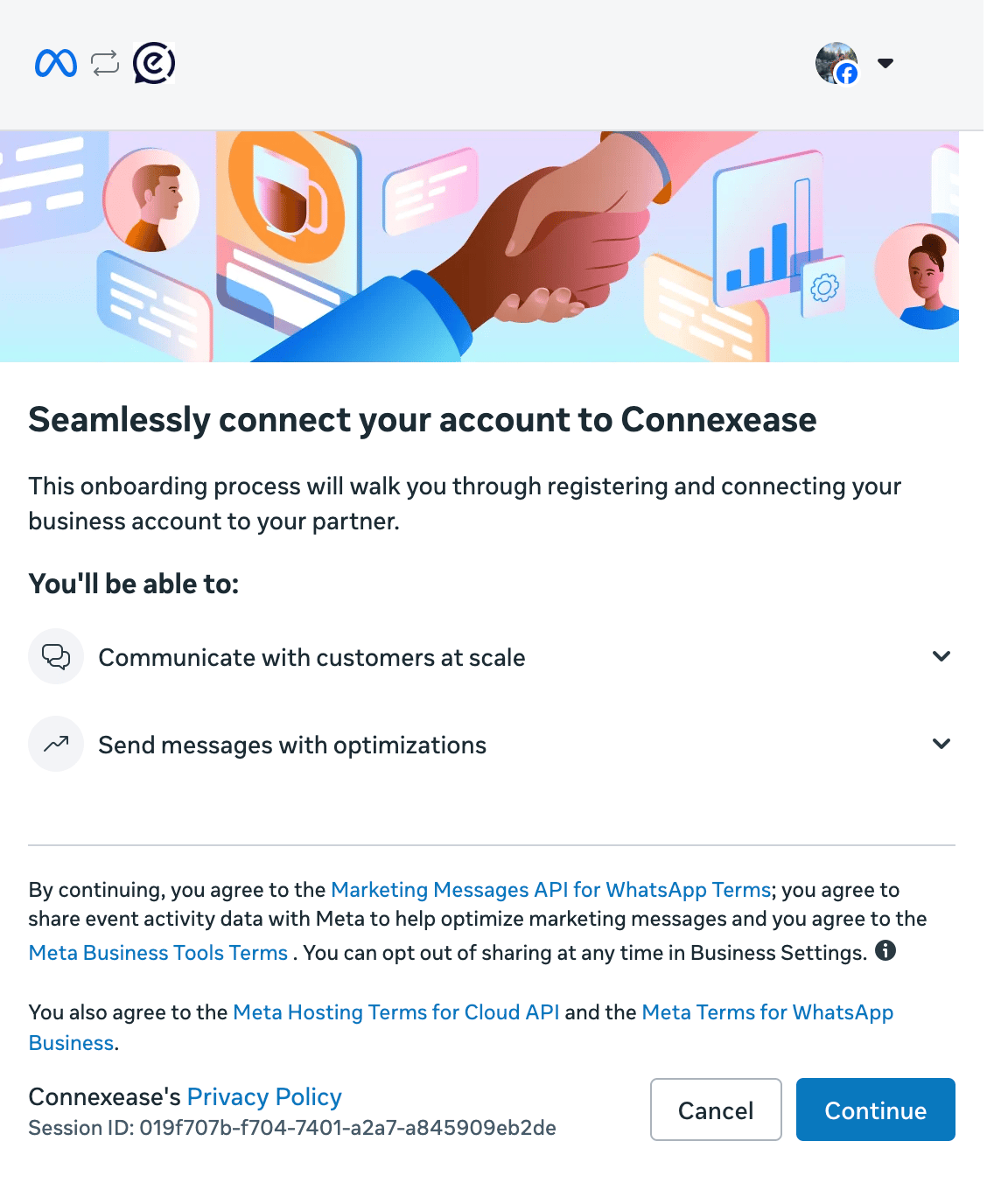
This screen lists the integration terms with Meta. Click Continue to accept and proceed. Once the steps on Meta’s side are complete, you are automatically returned to the panel.
Step 4 — Phone Number Confirmation (WABA Phone)
After completing the Meta registration, the system automatically retrieves the phone number and WABA ID from your connected WhatsApp Business account.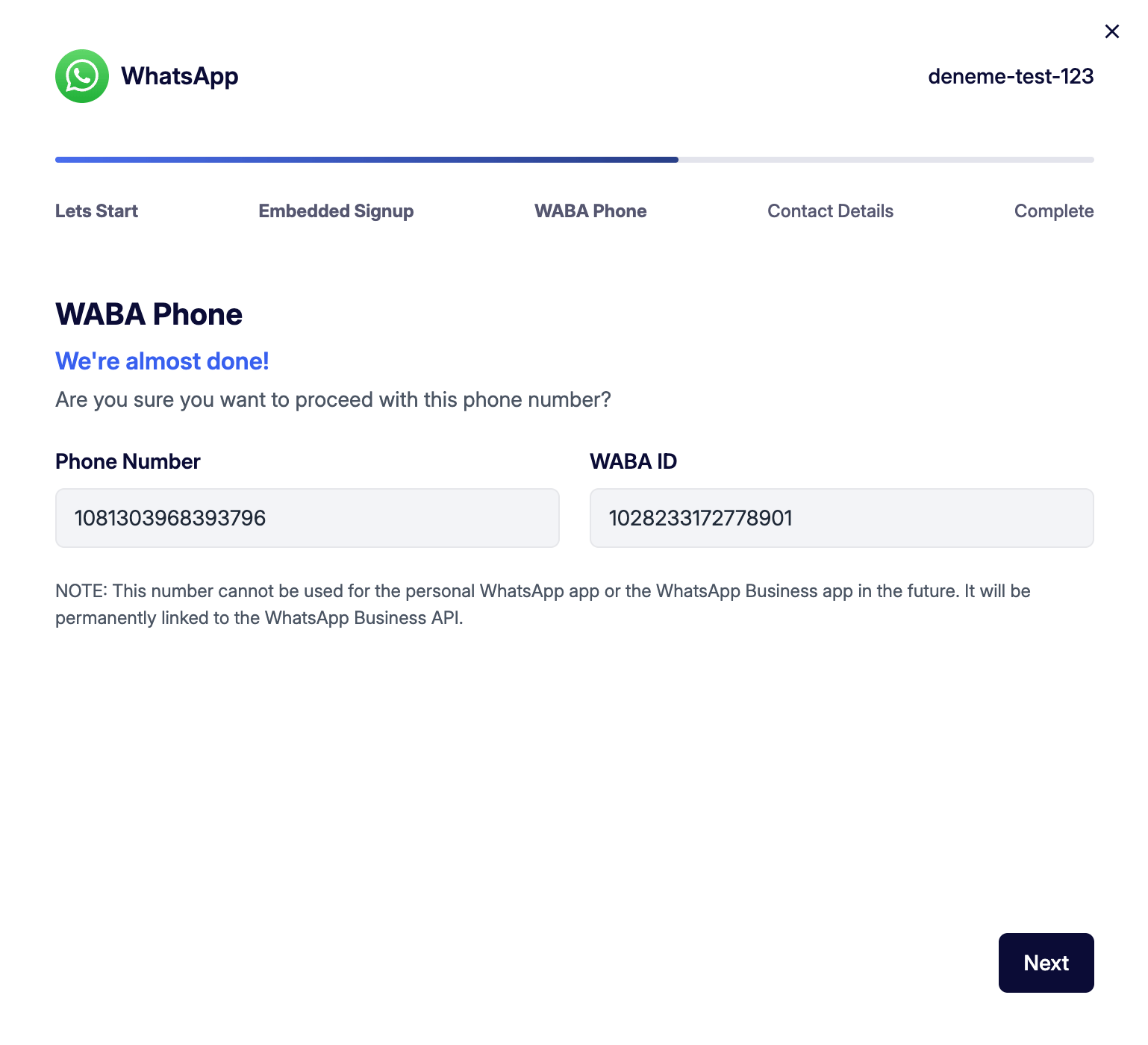
Review the information and click Next.
Step 5 — Contact Details
In this step, you are asked to enter your contact information so that you can be reached if there are any issues with your account.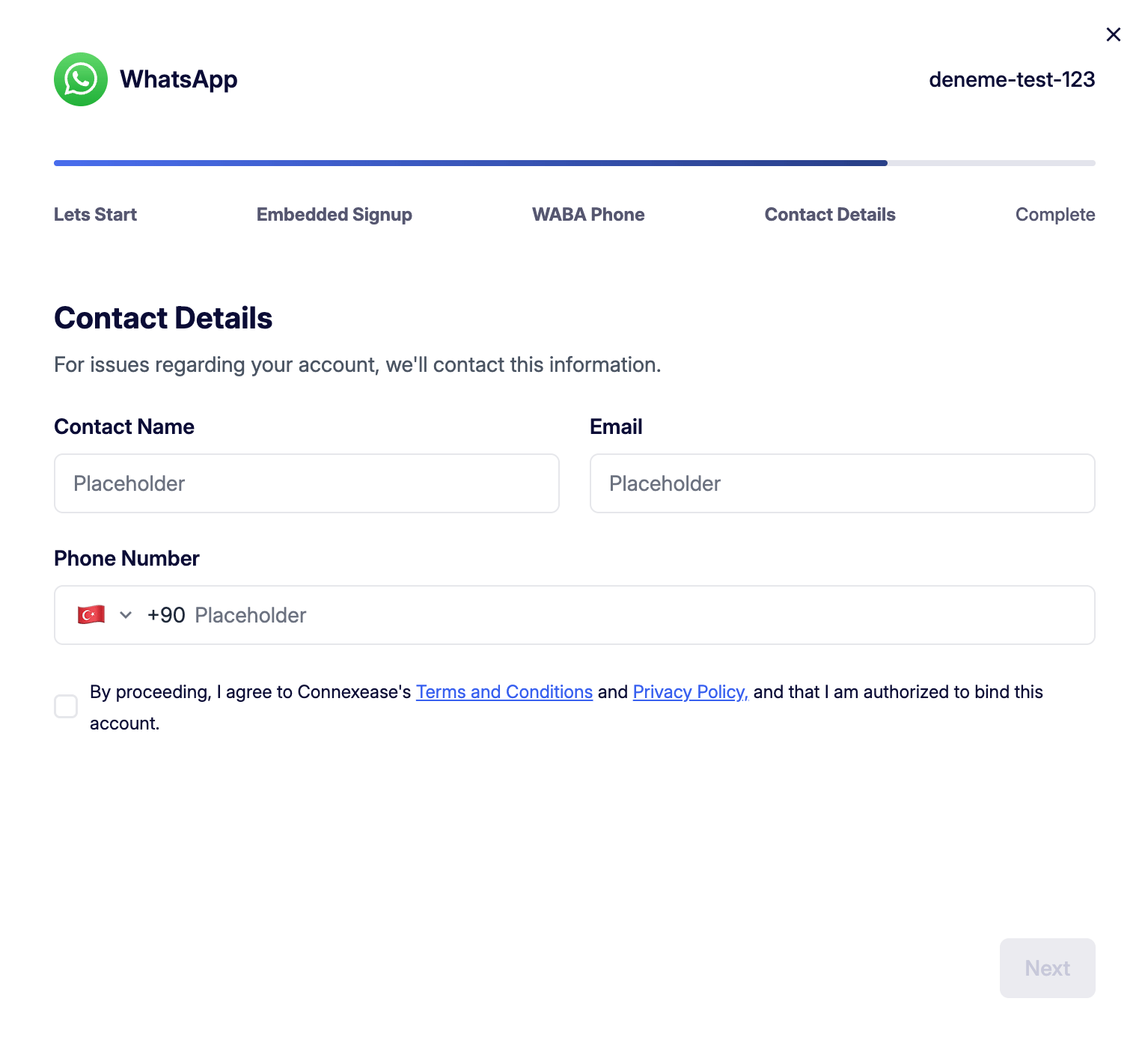
After filling in all fields, check the checkbox accepting Connexease’s Terms of Use and Privacy Policy. The Next button will not be active until the checkbox is checked.
Step 6 — Complete
After clicking Next, the system attempts to establish the connection. There are two possible outcomes:Connection Error
If the connection cannot be established, the following error screen is shown:
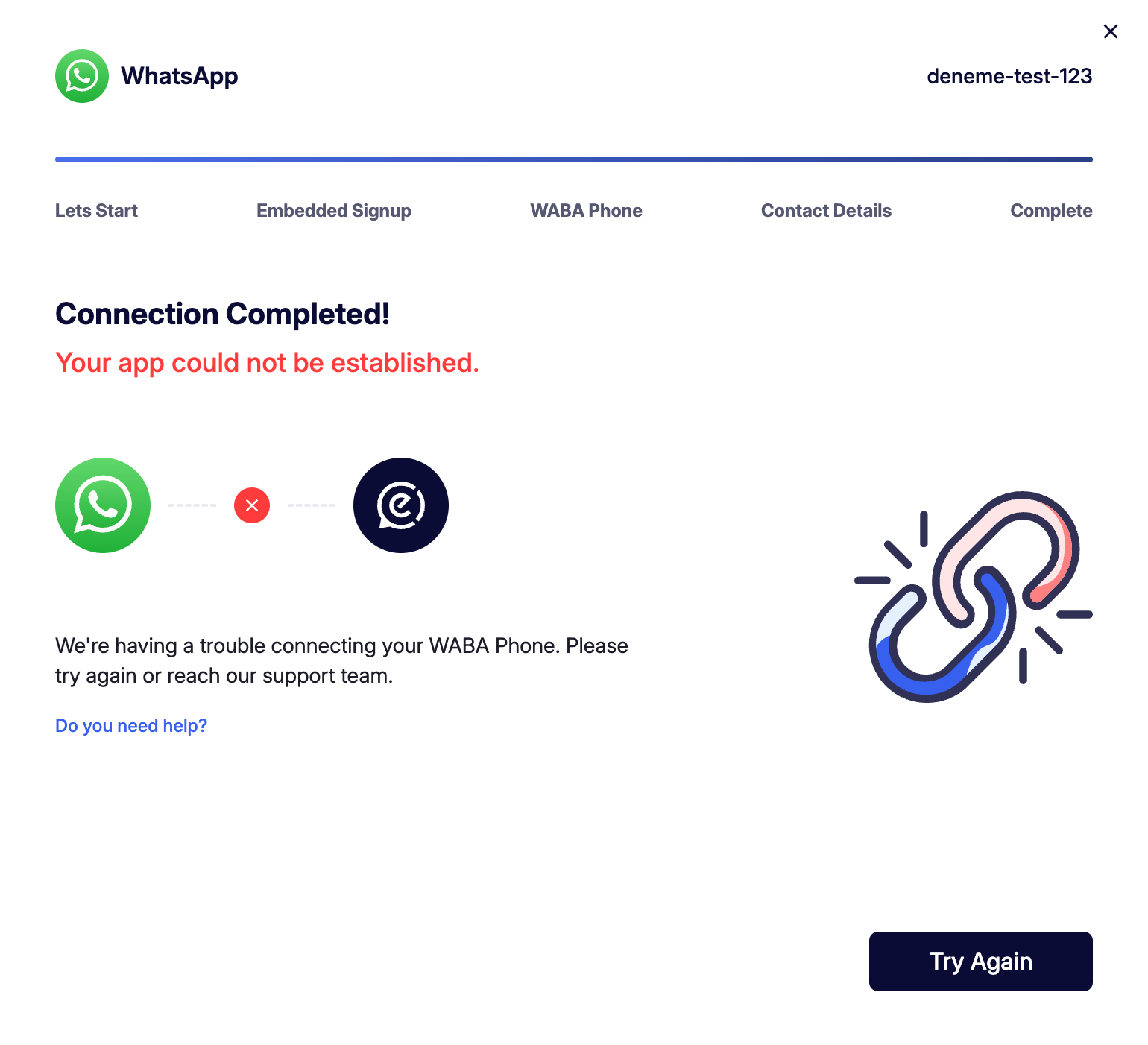
This screen appears when there is a problem with the WABA Phone connection. You can click Try Again to retry, or click the Do you need help? link to contact the support team.
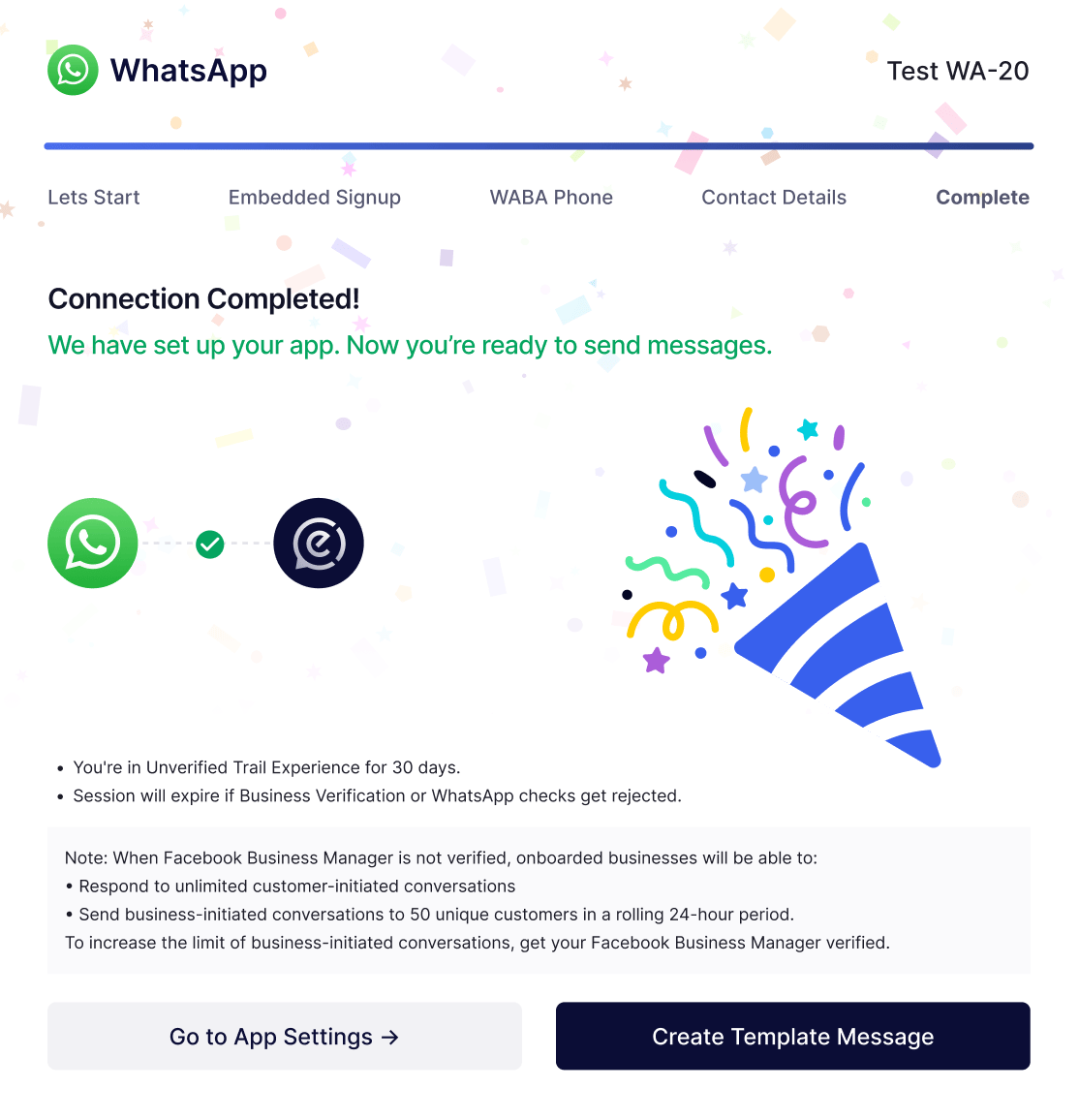
Connection Successful
When the application is successfully created, a celebration screen is displayed: