Documentation Index

Fetch the complete documentation index at: https://docs.gateway.connexease.com/llms.txt

Use this file to discover all available pages before exploring further.

Overview

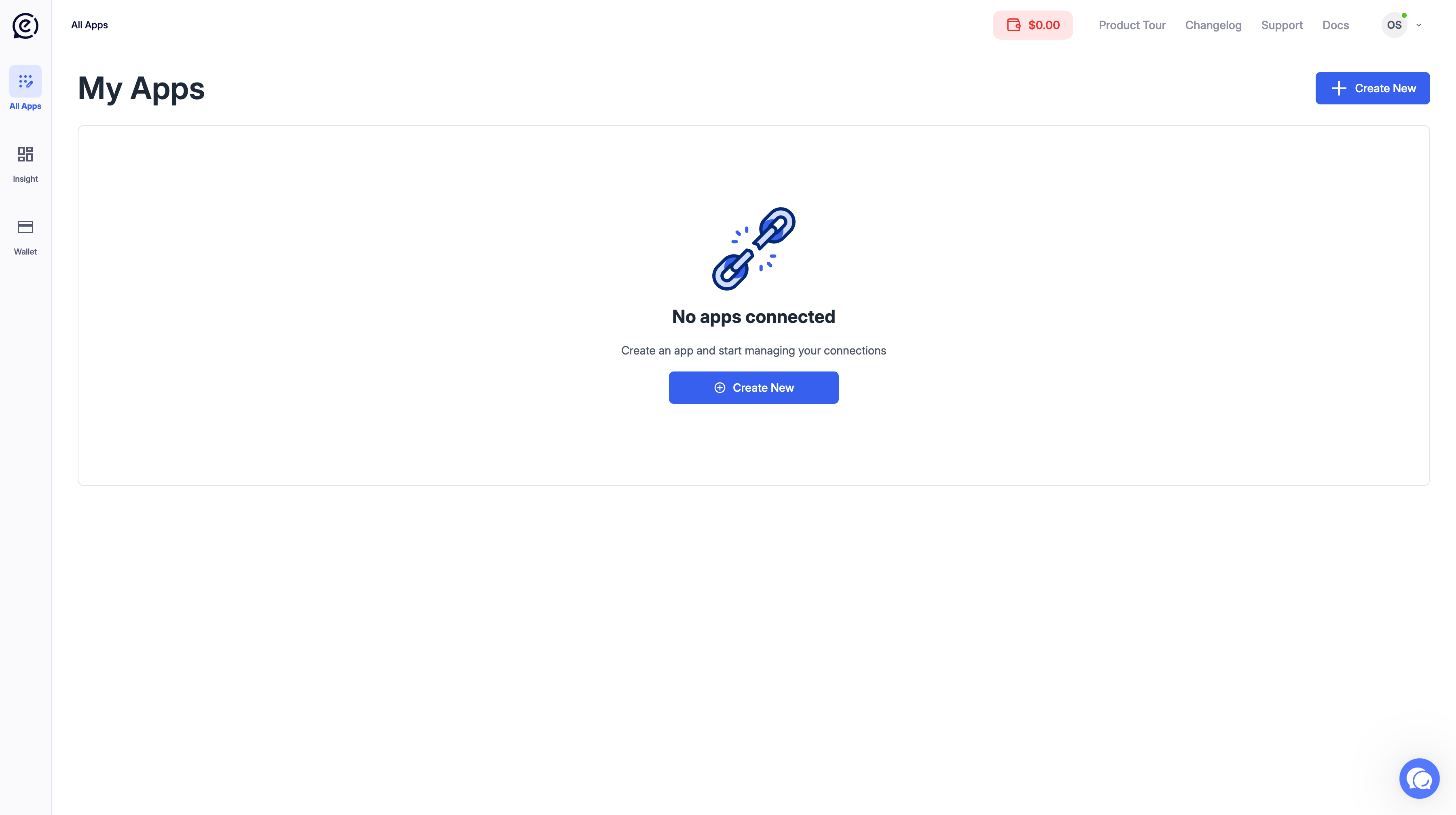
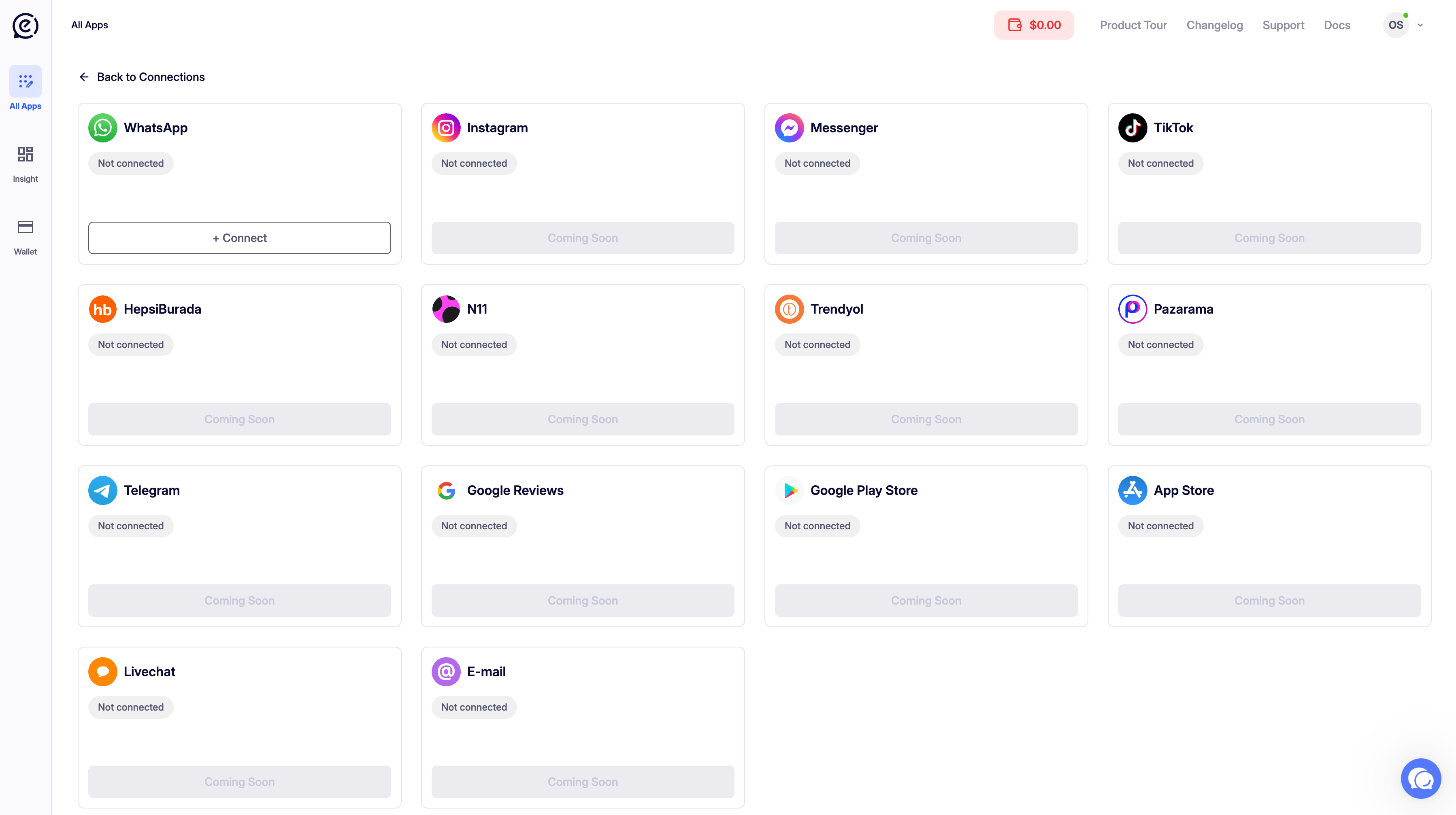
The All Apps section lists all your Gateway applications. Each app represents a separate WhatsApp Business API integration with its own API keys, phone numbers, templates, and webhook configuration. Navigate to All Apps from the left sidebar.

Creating a New App

Click the + Create New button in the top-right corner to open the creation dialog. Create New App
FieldDescription
App NameA descriptive name for your app. Max 120 characters.
Click Create App to confirm, or Cancel to dismiss.
Use a name that reflects the use case — for example: My Store Notifications or Support Bot.

App Card

After creation, the app appears as a card in your My Apps list. App Card – Draft
FieldDescription
App NameThe name you gave the app at creation.
Status badgeDraft — not yet connected to Meta. Live — active and sending messages.
Messages SentTotal number of messages sent through this app.
CreatedDate the app was created.
Click the card to open the app and begin configuration.

App Statuses

StatusMeaning
🔘 DraftApp created but Meta Business account not yet connected.
🟢 LiveMeta connected, phone number active, ready to send messages.

Next Step — Connect Meta

A newly created app will be in Draft status until you connect it to your Meta Business account. See Connect Meta to activate your app.