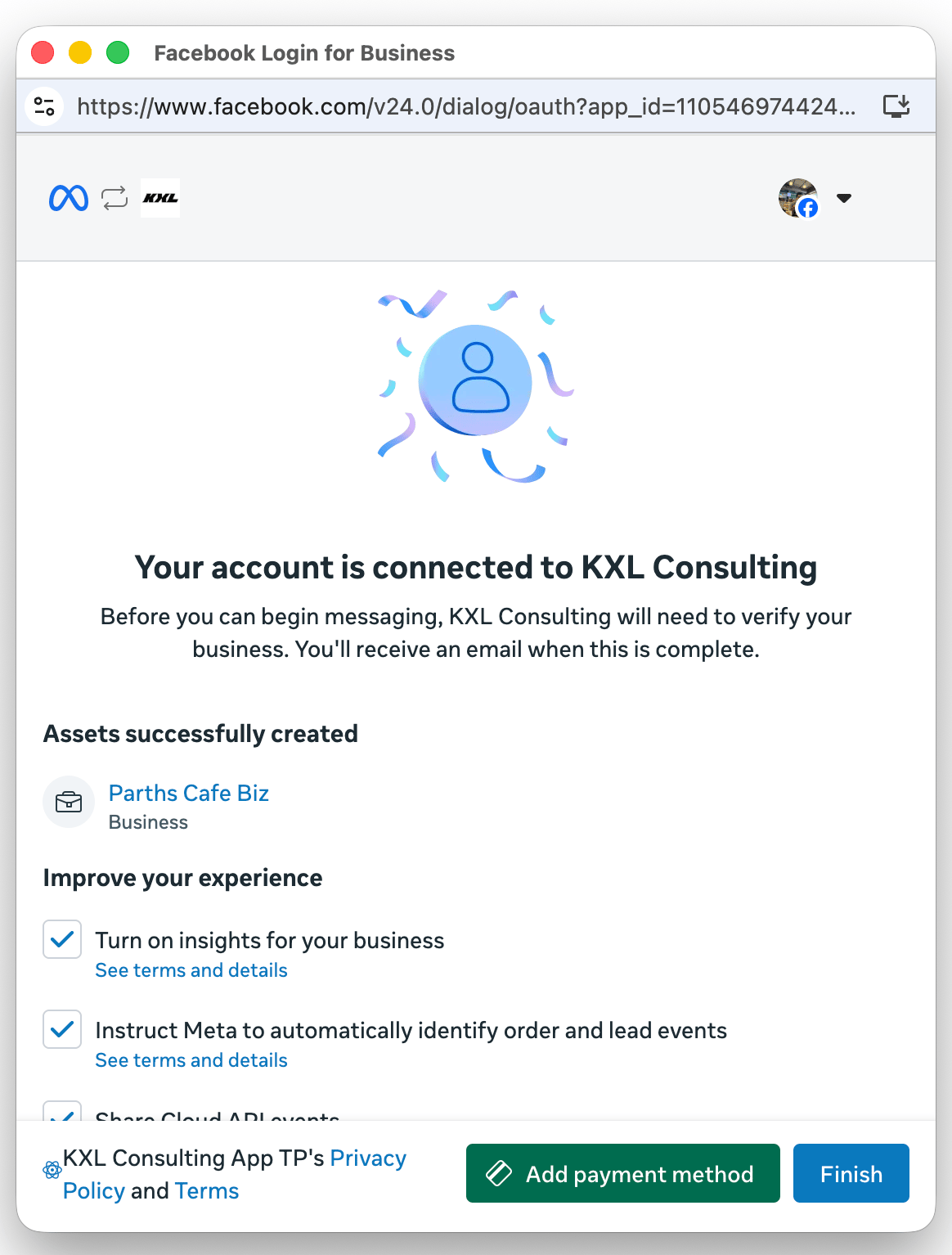
Authorization screen
This screen describes the data the business customer will be permitting your app to access.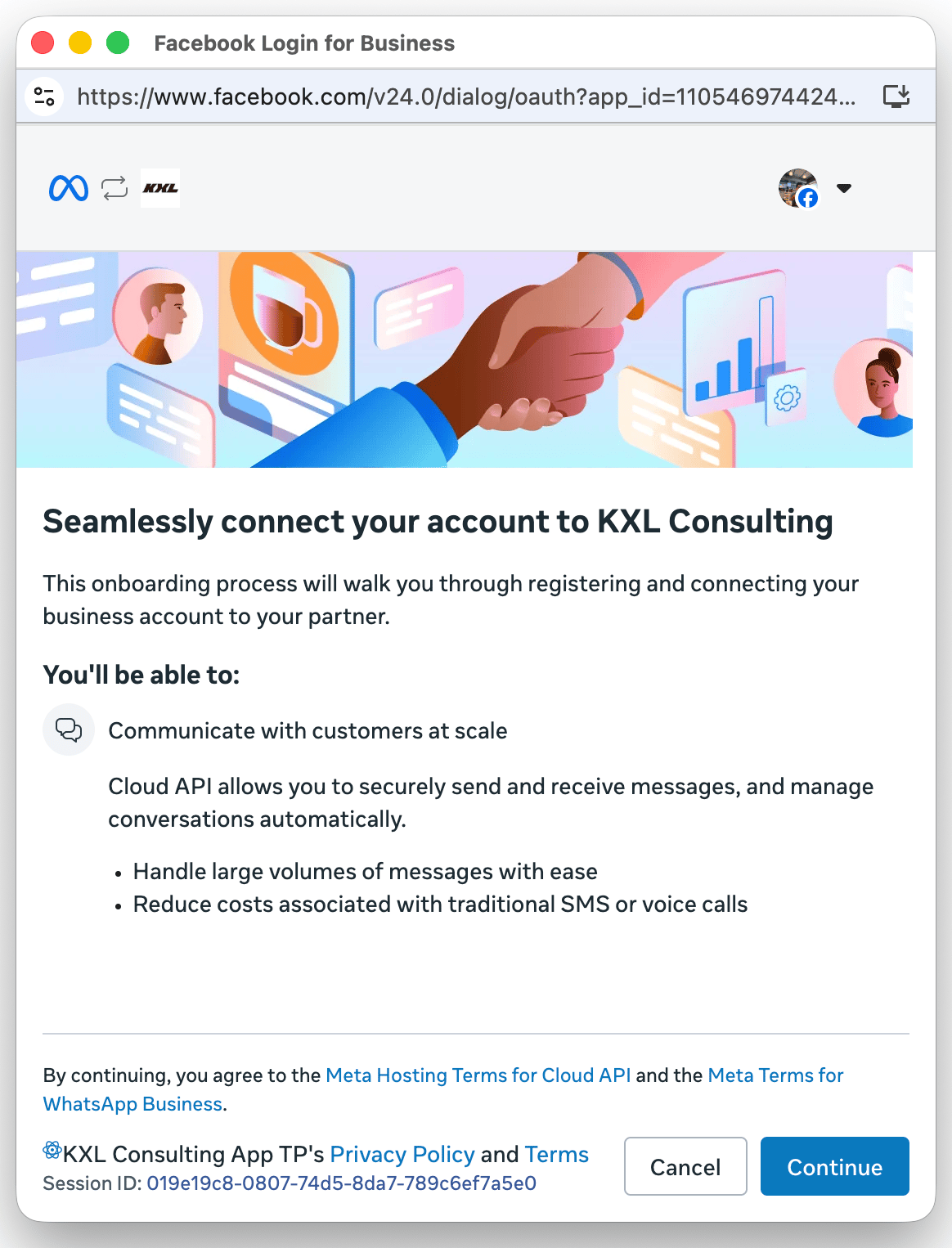
Phone number entry screen
This screen lets the business customer enter the phone number they want to onboard. To trigger the Coexistence flow, the customer must enter a WhatsApp Business app phone number.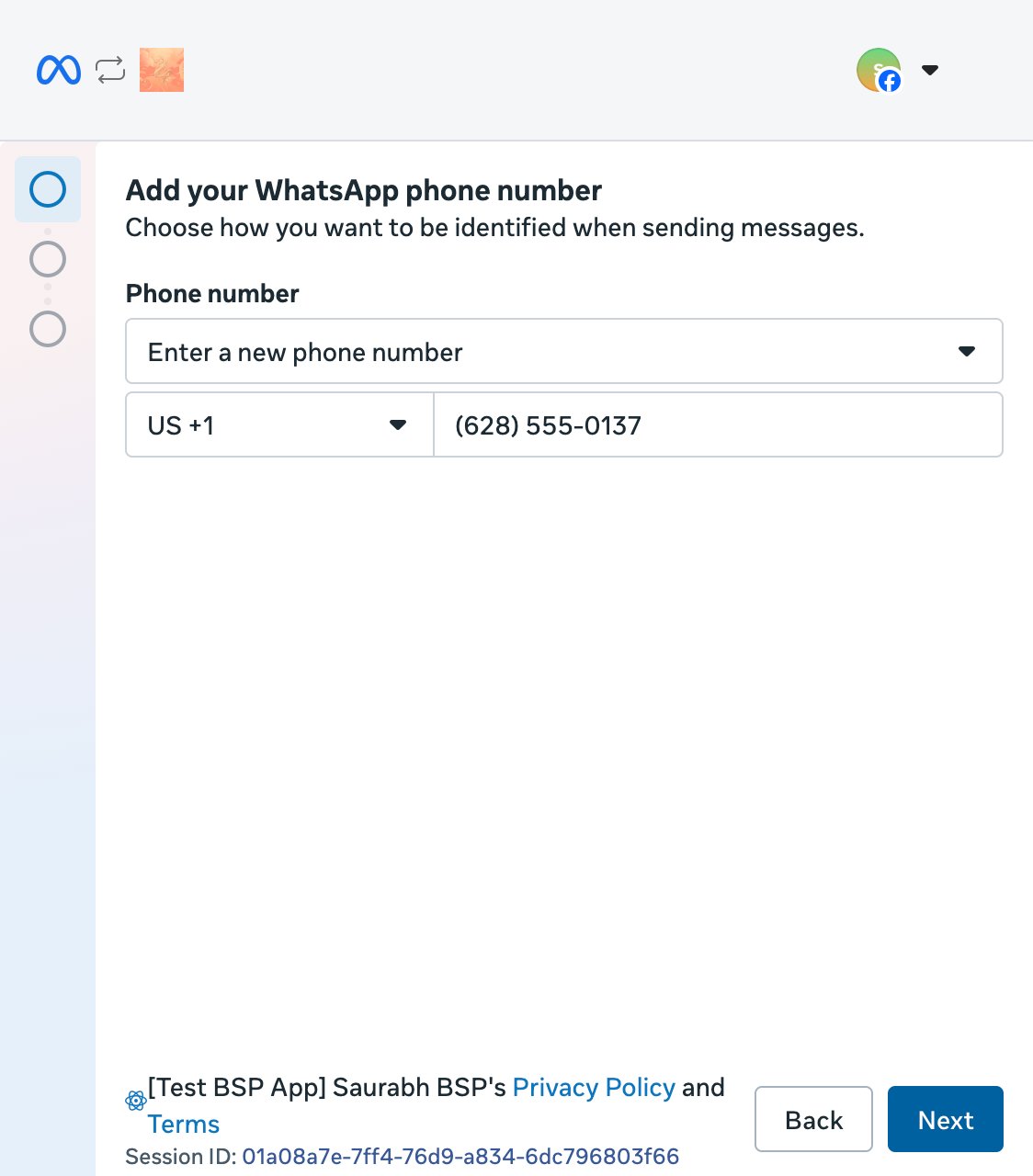
Business profile screen
This screen displays the WhatsApp Business app account details associated with the entered phone number — the profile picture, name, phone number, and website that the business has set in the WhatsApp Business app. The business customer reviews these details and confirms this is the WhatsApp Business app account they want to onboard.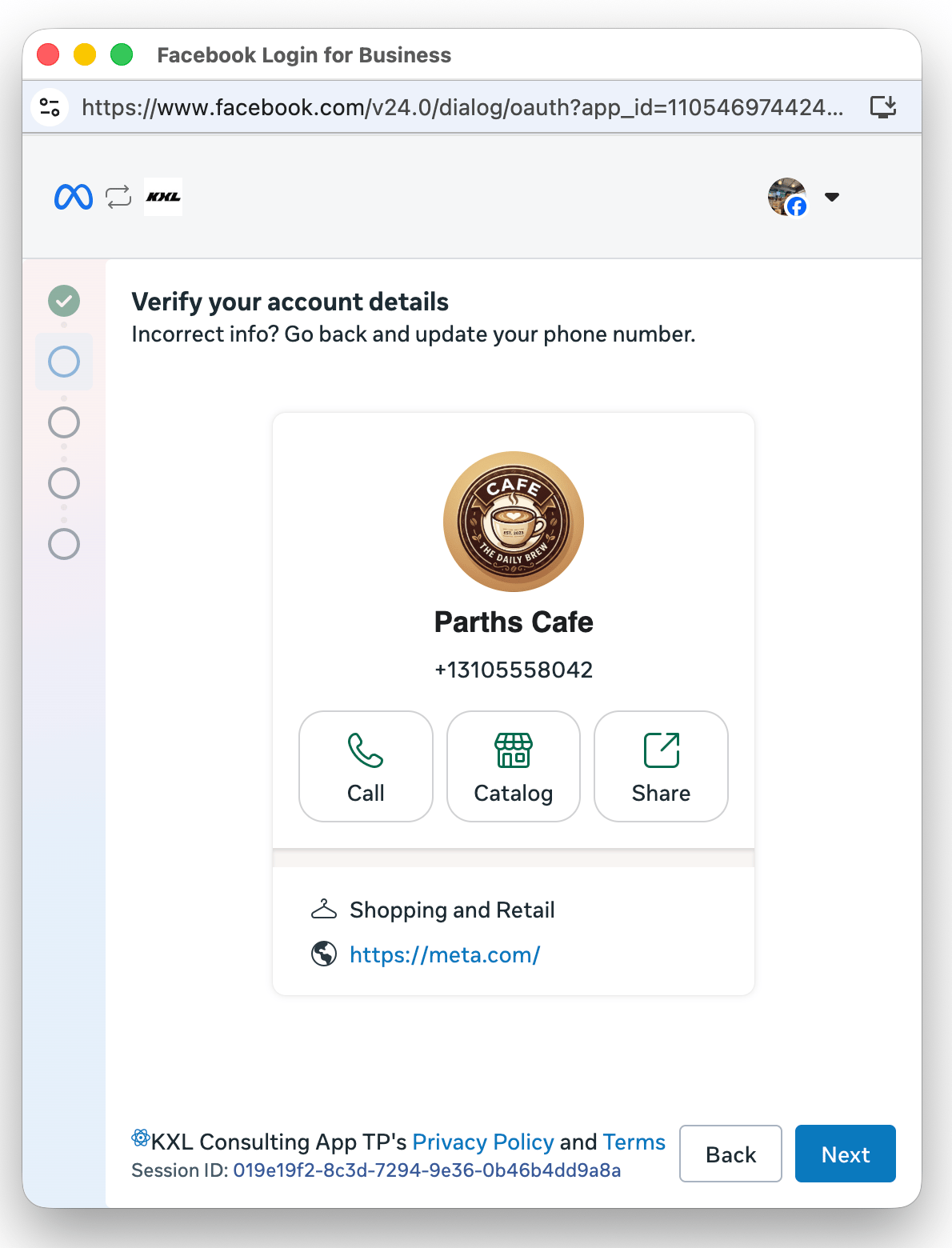
Business portfolio selection screen
This screen lets the business customer select an existing Meta business portfolio to associate with the Coexistence onboarding, or create a new one.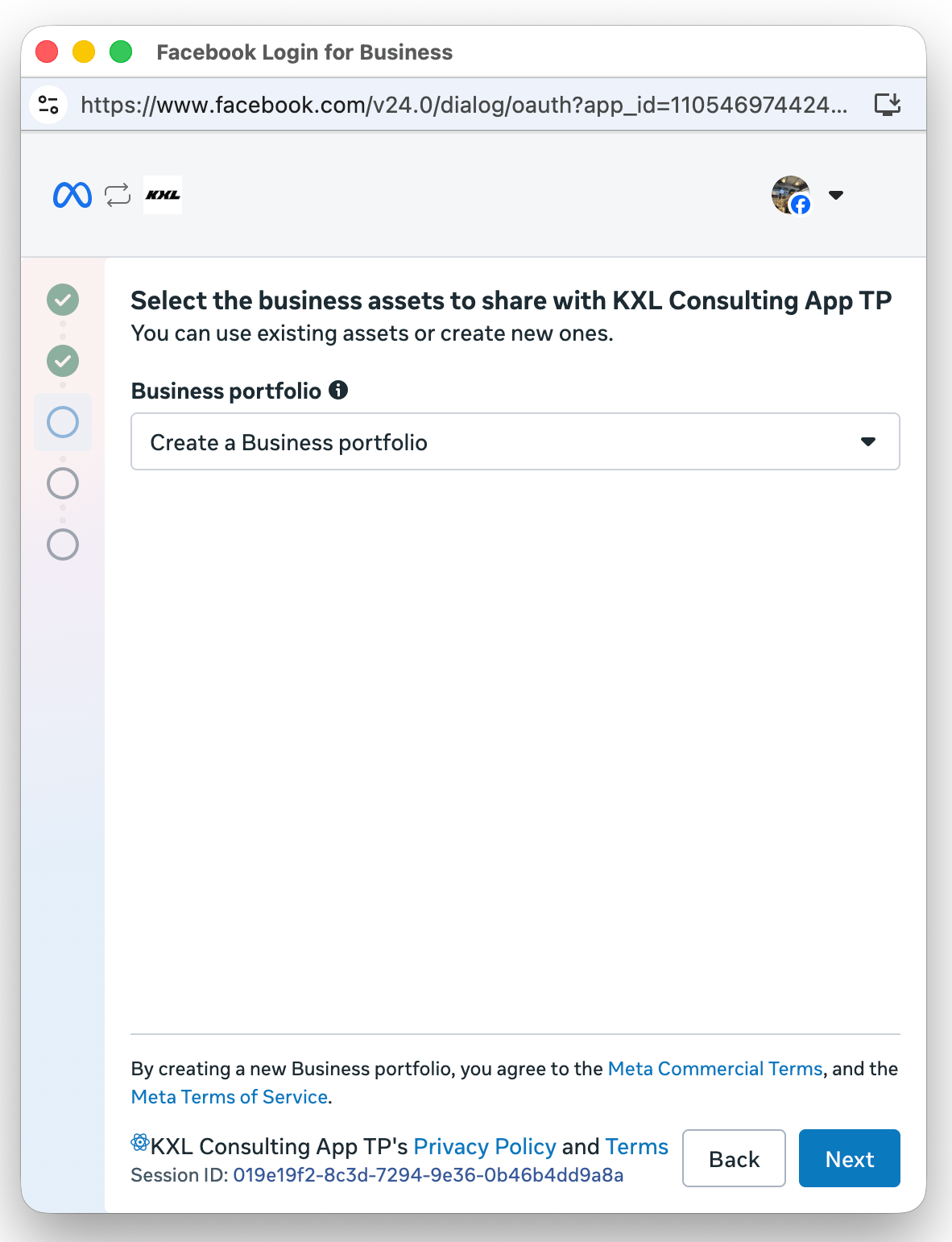
Business creation screen
This screen lets the business customer create a new business portfolio by entering business information: name, country, and website.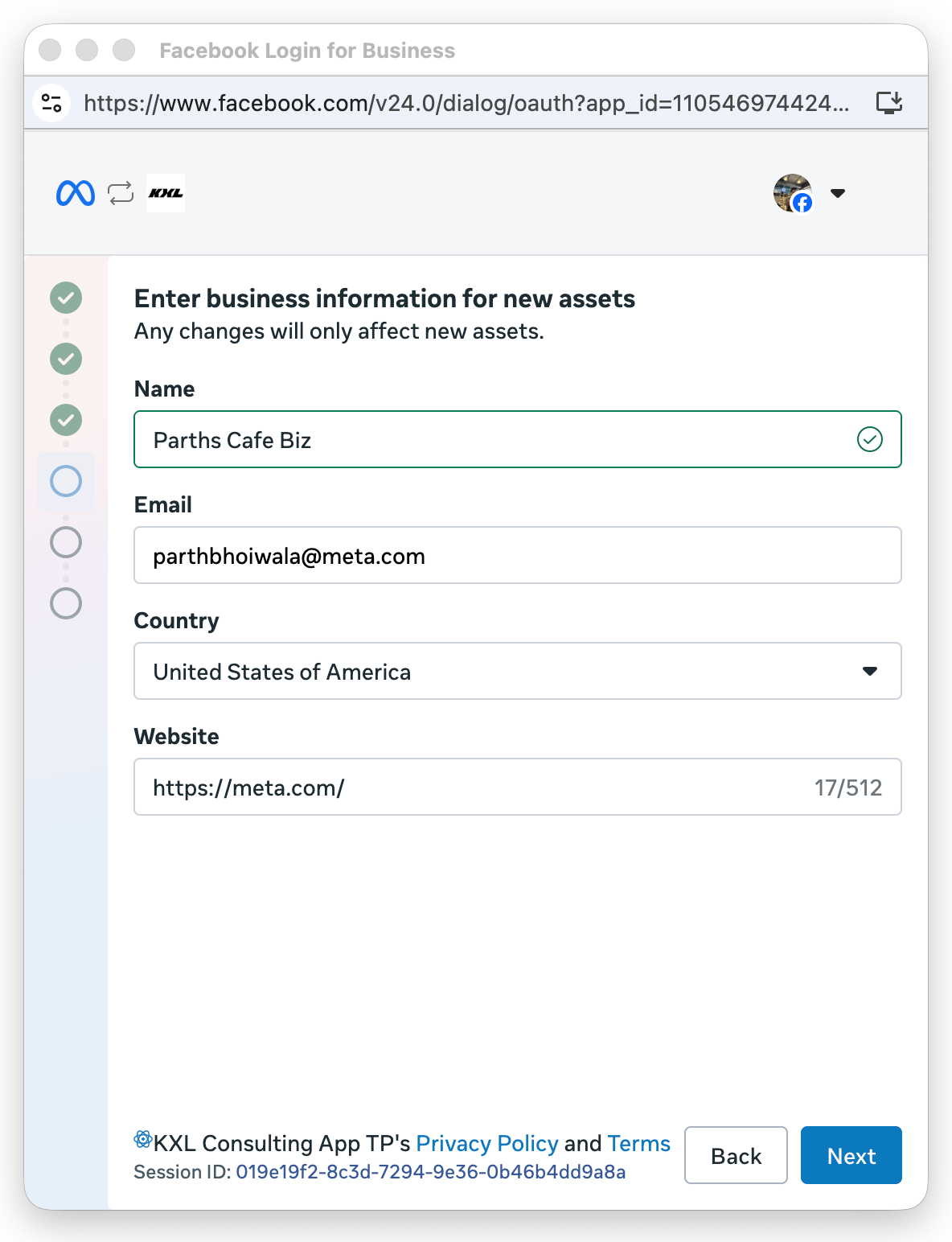
QR code verification screen
This screen displays a QR code that the business customer scans from inside the WhatsApp Business app on their phone. To make scanning easier, a WhatsApp message containing a link to the QR code is also delivered to the same number. Once the customer scans the QR code, the flow advances automatically.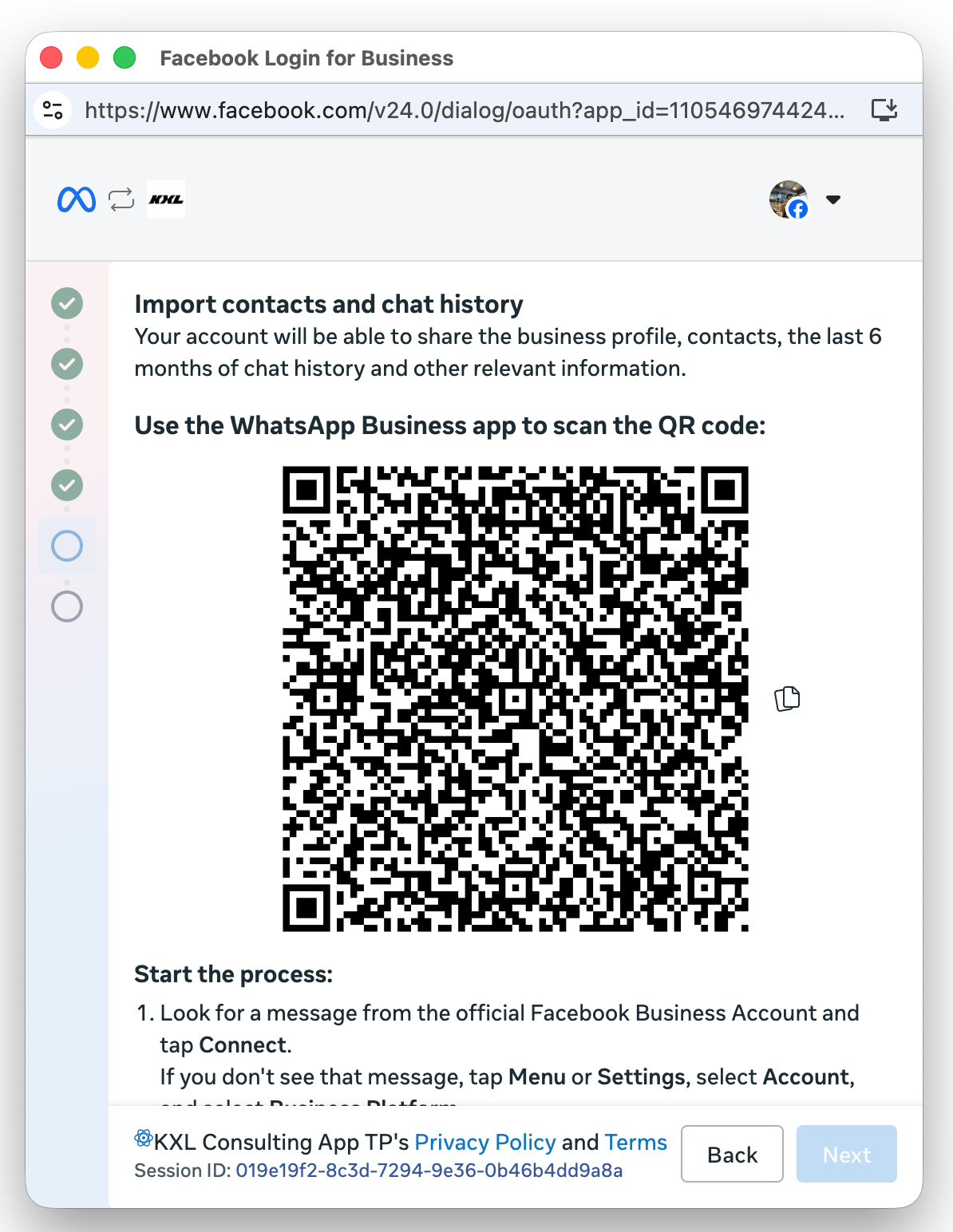
Business information confirmation screen
This screen lets the business customer confirm their WhatsApp Business Account name (read-only) and select a time zone (required) for the account.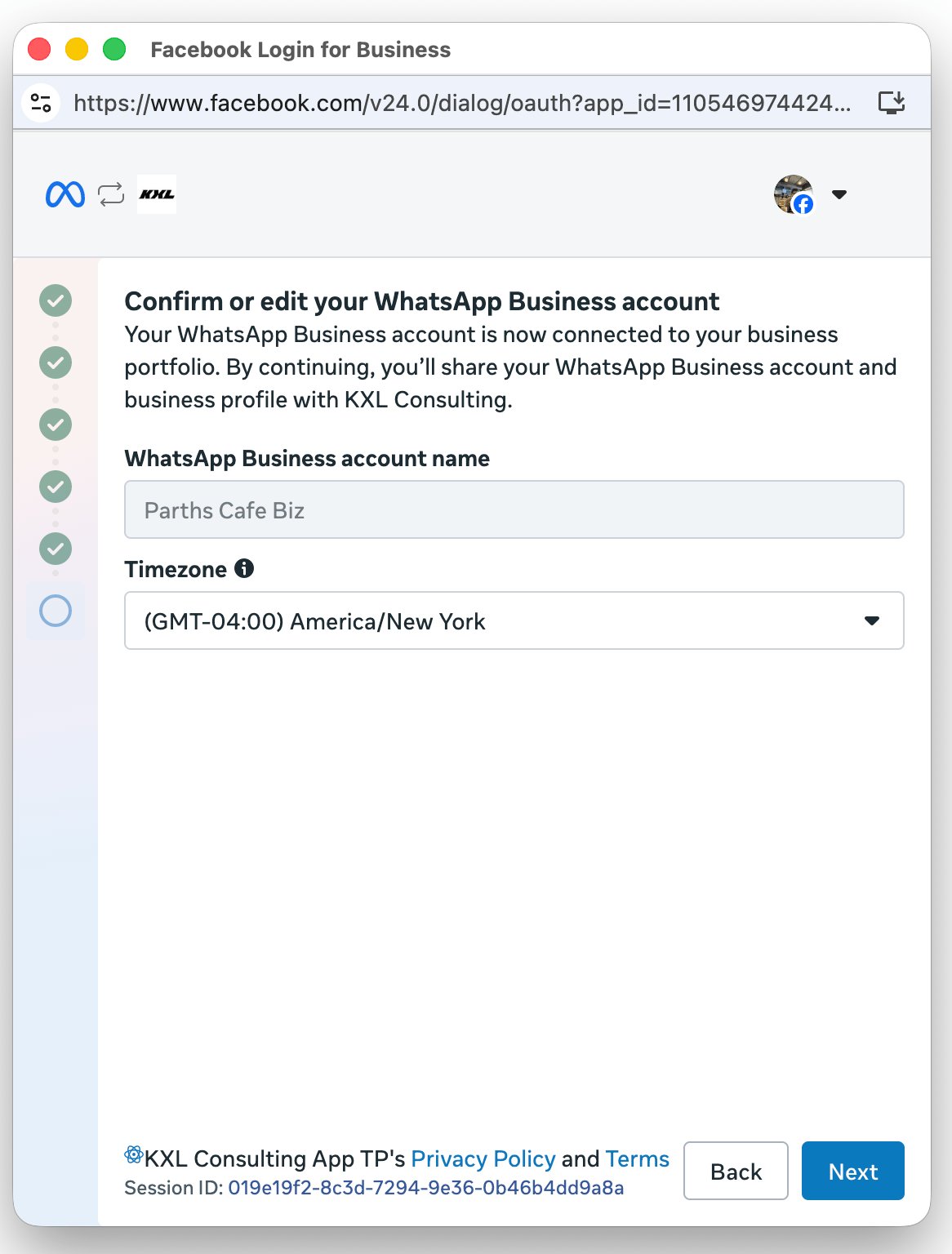
Terms and conditions review screen
This screen presents the terms and conditions that the business customer must accept to complete Coexistence onboarding.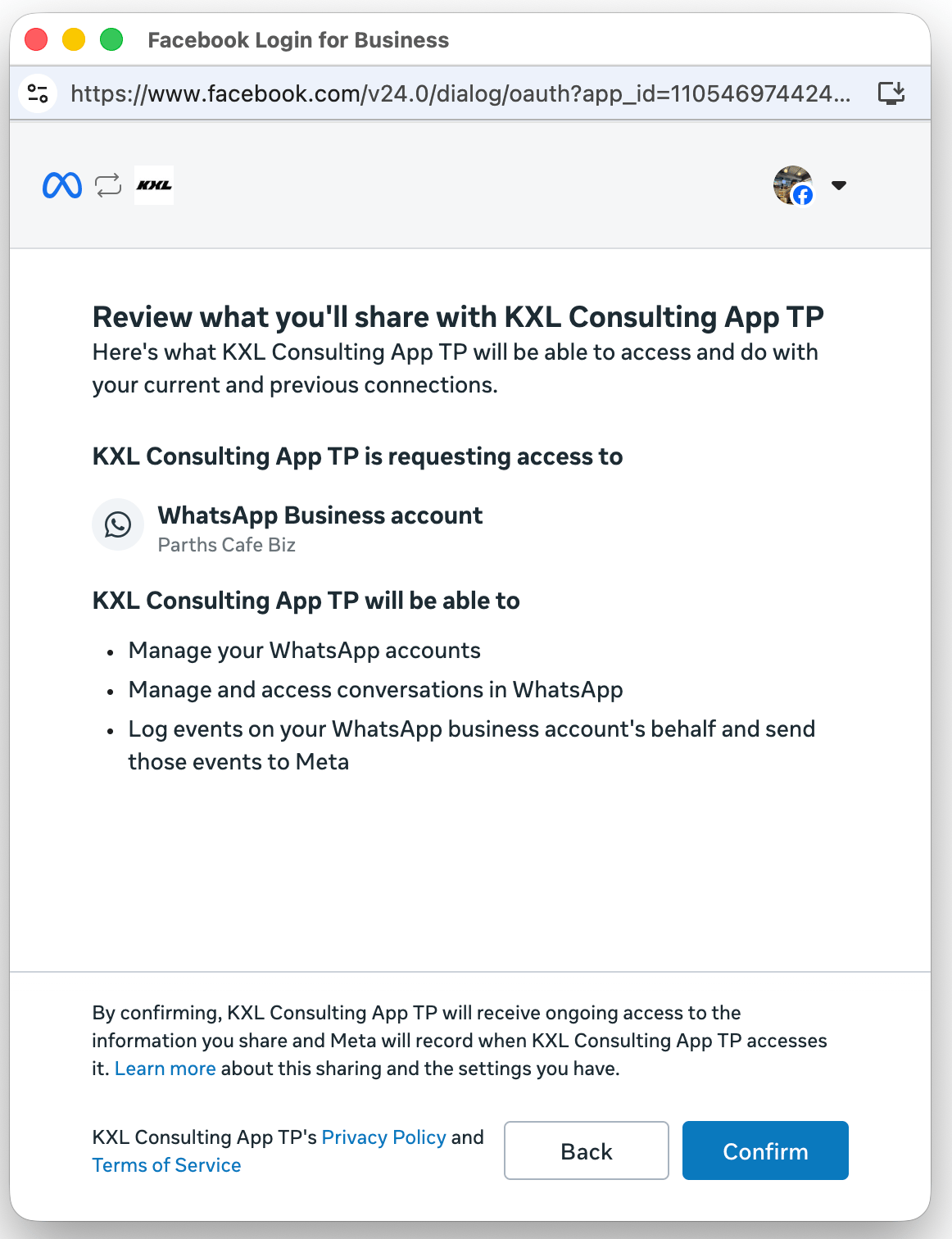
Success screen
This screen indicates that the Coexistence onboarding completed successfully. When the customer clicks Finish, a message event is triggered containing the customer’s WhatsApp Business Account ID and business phone number ID, which you must use to onboard the customer to the platform.