
Profile Page Overview
Click the user avatar in the top right corner to access the Profile page. The page contains two tabs:- Account — Personal information and account security
- Organization — Organization name, website, and API credentials
Account Tab
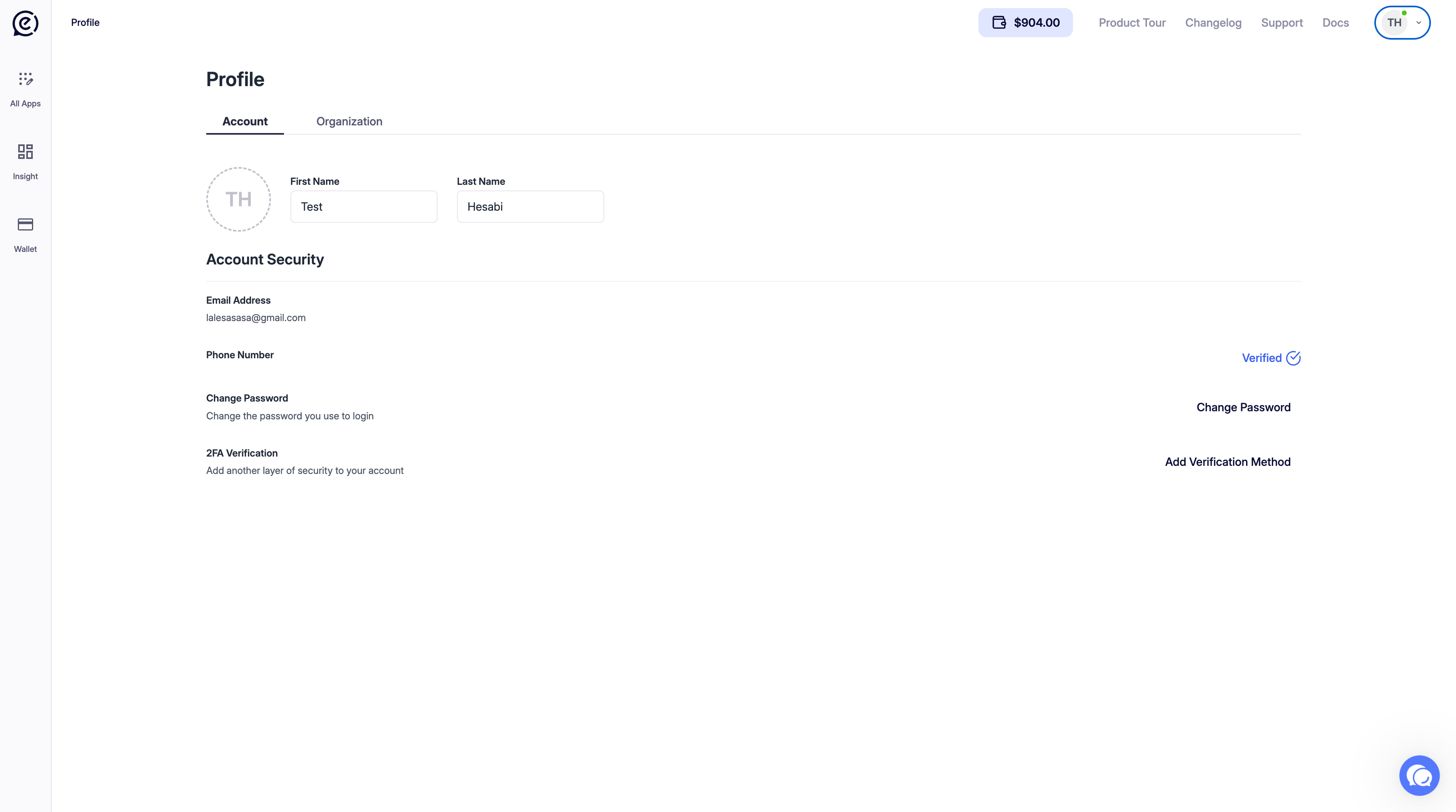
Personal Information
The profile photo and name fields are located at the top of the page.Account Security
This section contains account security settings.Change Password
Clicking Change Password opens the change password modal.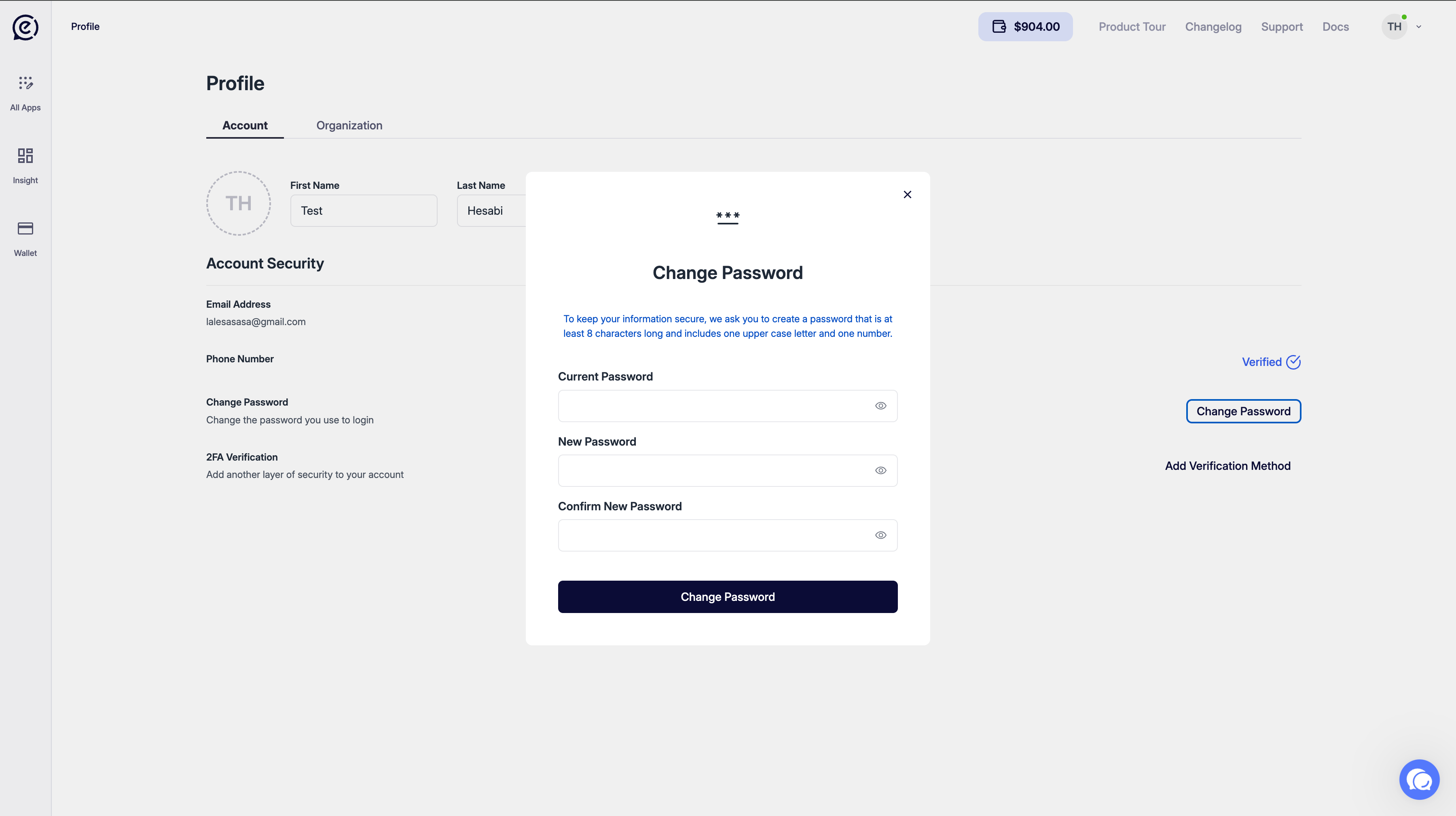
Fill in the fields and click Change Password.
2FA Verification (Two-Factor Authentication)
Clicking Add Verification Method opens the 2FA setup modal.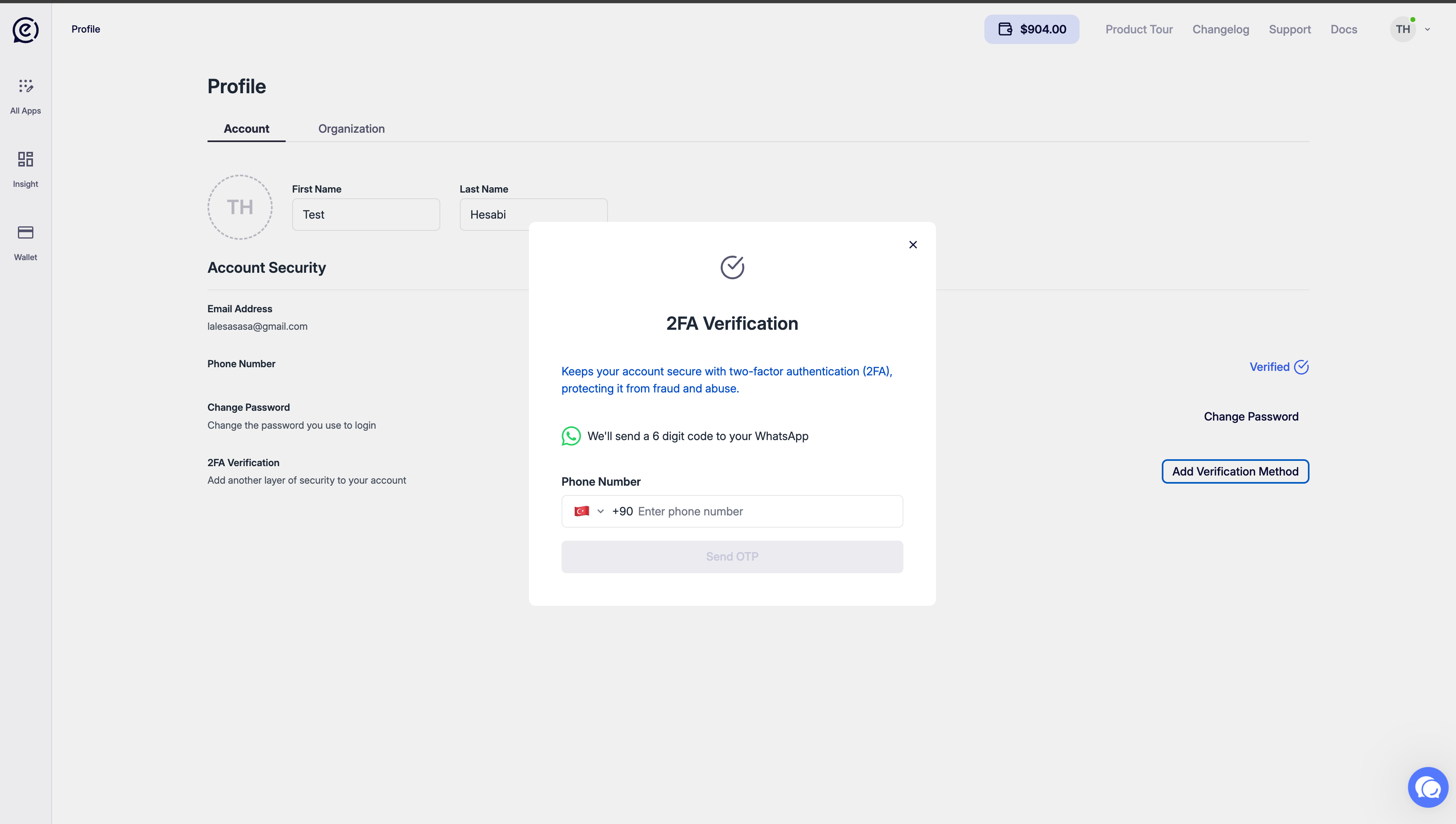
- Enter your phone number with the country code in the Phone Number field.
- Click Send OTP.
- Enter the 6-digit code received on WhatsApp into the verification screen.
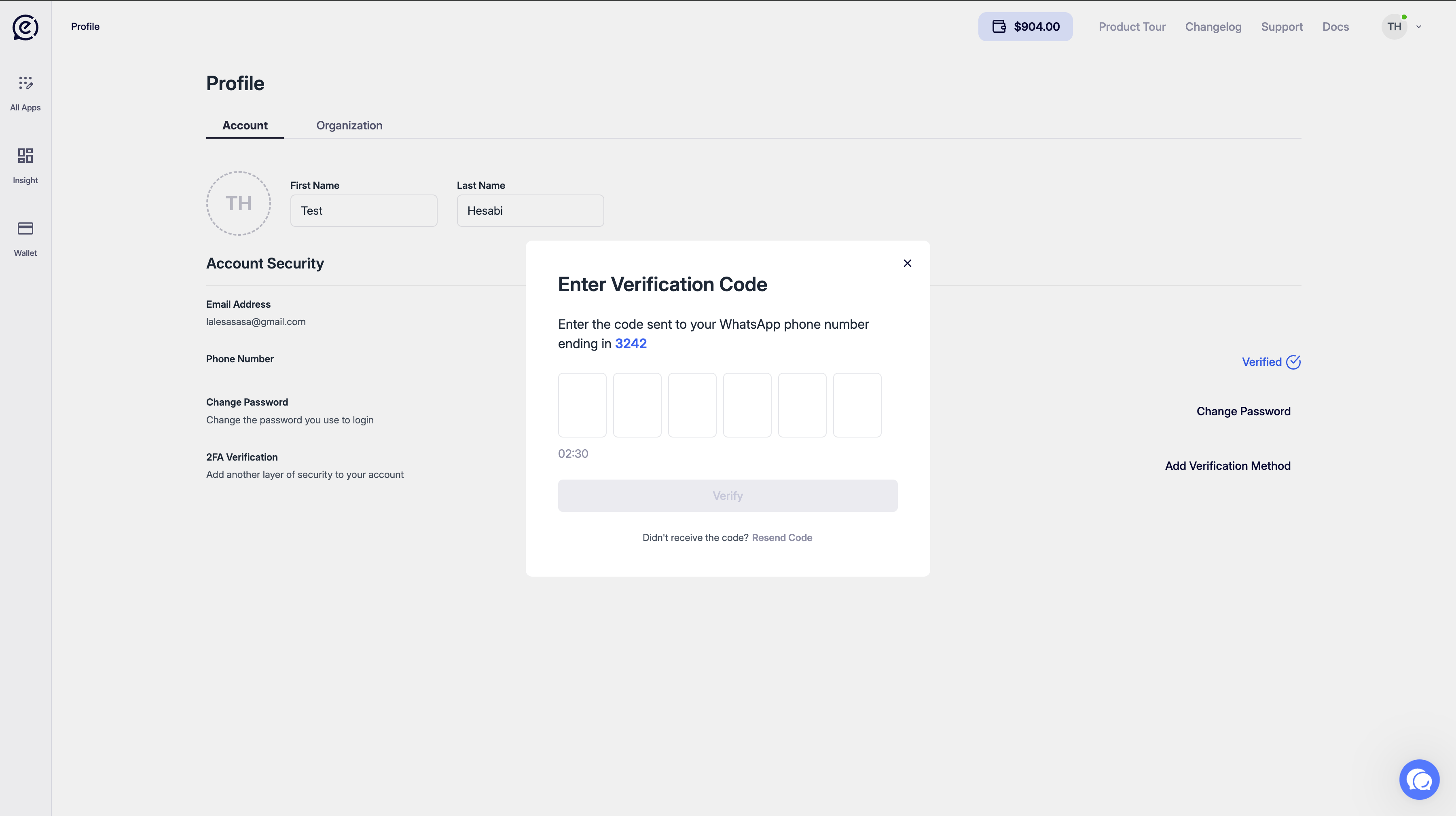
Once 2FA is enabled, a Verified badge appears next to the Phone Number row.
When 2FA is active, a verification code is sent to WhatsApp on every login. Your account is protected against unauthorized access.
Organization Tab
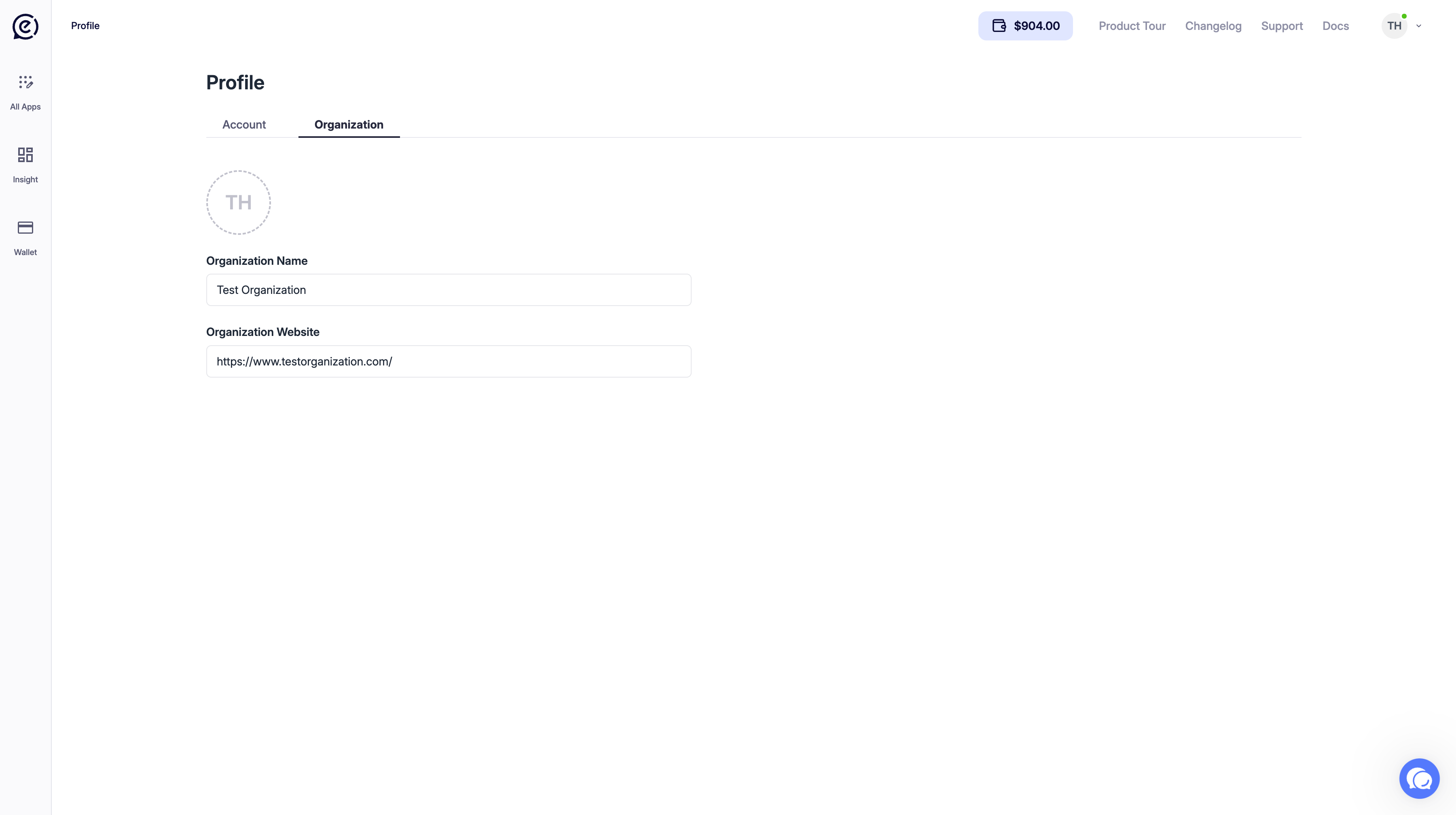
Remember to save after making changes.
API Credentials
Below the organization fields, the tab holds three sections:For how to create each key, which expiry options are available, where each credential is used, and how to configure allowed origins, see Authentication.